Design of the PDT system for the company L’Etoile
Design of the mobile application and terminal
for the forum of young scientists
Mobile application design
and terminal
for the forum young scientists
Design of the mobile application and terminal
for the forum of young scientists
О проекте
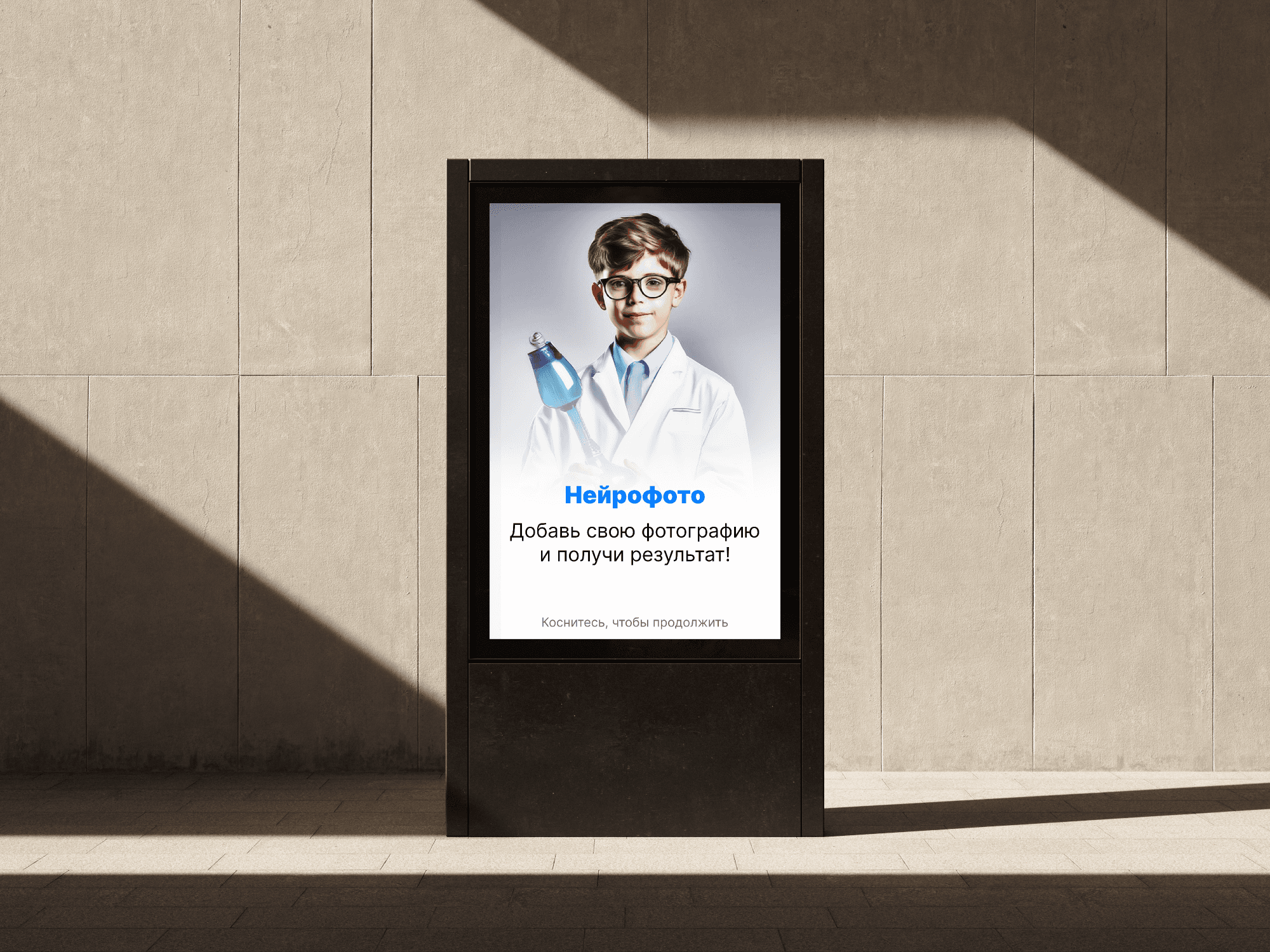
This project was presented at the forum "Young Scientists" to demonstrate the capabilities of neural networks in generating photographs
О проекте
This project was presented at the forum "Young Scientists" to demonstrate the capabilities of neural networks in generating photographs
Tasks
1. Transfer the TSD system from the terminal to a mobile device
2. Identify and resolve issues with the user scenario
Goals
1. Increase employee productivity by using mobile devices instead of terminals.
2. Simplify and speed up the process of scanning and processing goods
Task
Create an application for generating photos using a neural network for terminals and mobile devices.
Chapters
Chapters
О проекте
О проекте
This project was presented at the forum "Young Scientists" to demonstrate the capabilities of neural networks in generating photographs
Task
Task
Create an application for generating photos using a neural network for terminals and mobile devices.
Create an application for generating photos using a neural network for terminals and mobile devices.
О проекте
This project was presented at the forum "Young Scientists" to demonstrate the capabilities of neural networks in generating photographs
Task
Create an application for generating photos using a neural network for terminals and mobile devices.
Chapter 2 - WireFrame
Chapter 2 - UserFlow and WireFrames
Chapter 2 - UserFlow
and WirFrames
Chapter 2 - UserFlow and WireFrames
Main Screen
Scanning of the application
List of acts
Selection of the act
Condition of the product
Choice of State
Scanning
Yes
No
Do we need to edit the quantity?
Editing
Product list
Product list
Product selection
Scanned goods
Scanning of the application
List of acts
Selection of the act
Choice of State
Scanning
Do we need to edit the quantity?
Yes
No
Editing
Scanned goods
User scenario
User scenario
User scenario
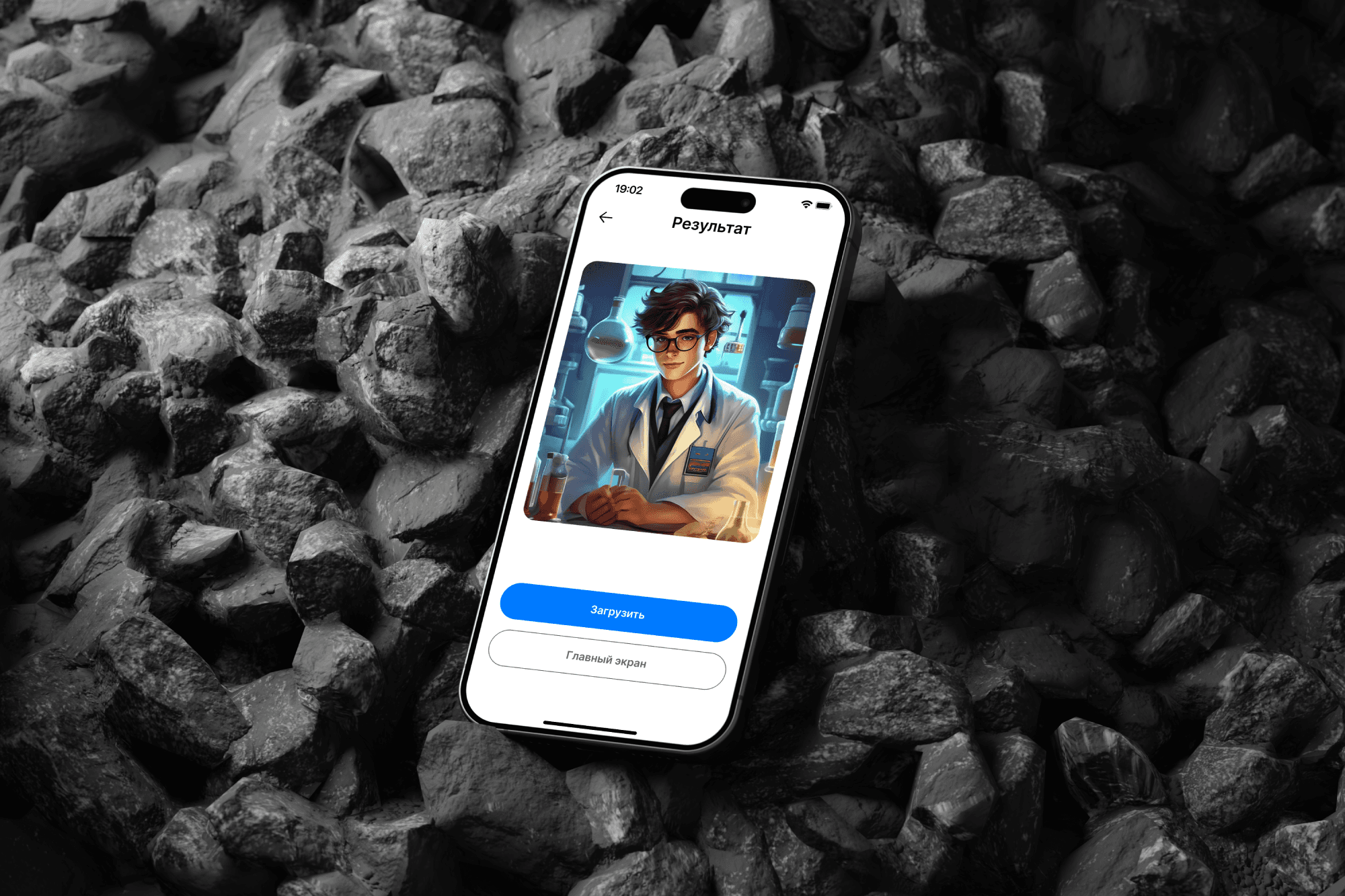
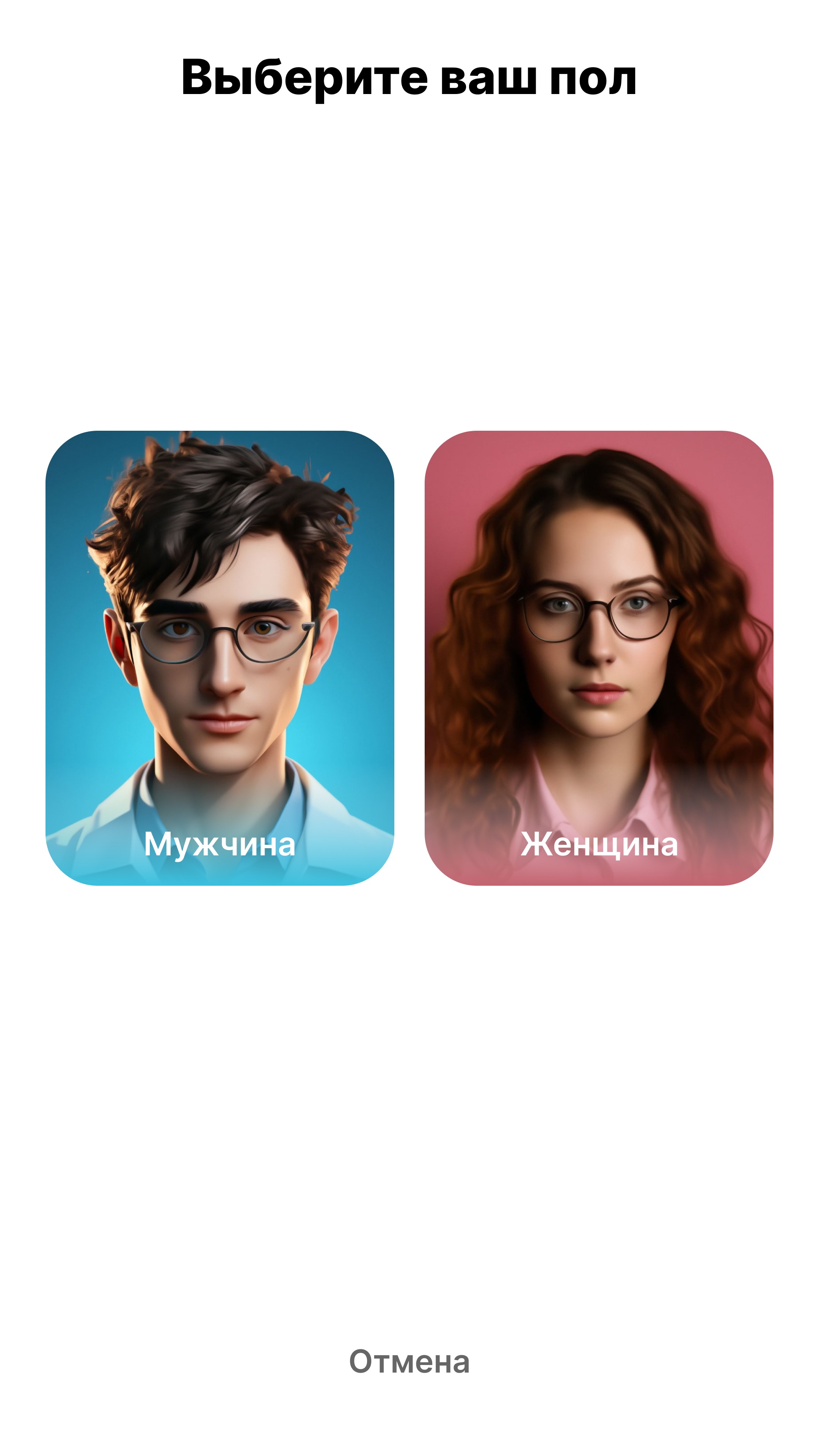
The user taps on the terminal screen, selects their gender, goes through the instructions, and takes a photo. Then the photo uploads, the user scans the QR code, and downloads the photo.
The user taps on the terminal screen, selects their gender, goes through the instructions, and takes a photo. Then the photo uploads, the user scans the QR code, and downloads the photo.
The user taps on the terminal screen, selects their gender, goes through the instructions, and takes a photo. Then the photo uploads, the user scans the QR code, and downloads the photo.
User scenario
The user taps on the terminal screen, selects their gender, goes through the instructions, and takes a photo. Then the photo uploads, the user scans the QR code, and downloads the photo.
Main Screen
Gender selection
Instruction
Camera
Do we need to retake the photo?
Loading generation
Result
Yes
No
Main Screen
Gender selection
Instruction
Camera
Do we need to retake the photo?
Loading generation
Result
Yes
No
Main Screen
Gender selection
Gender selection
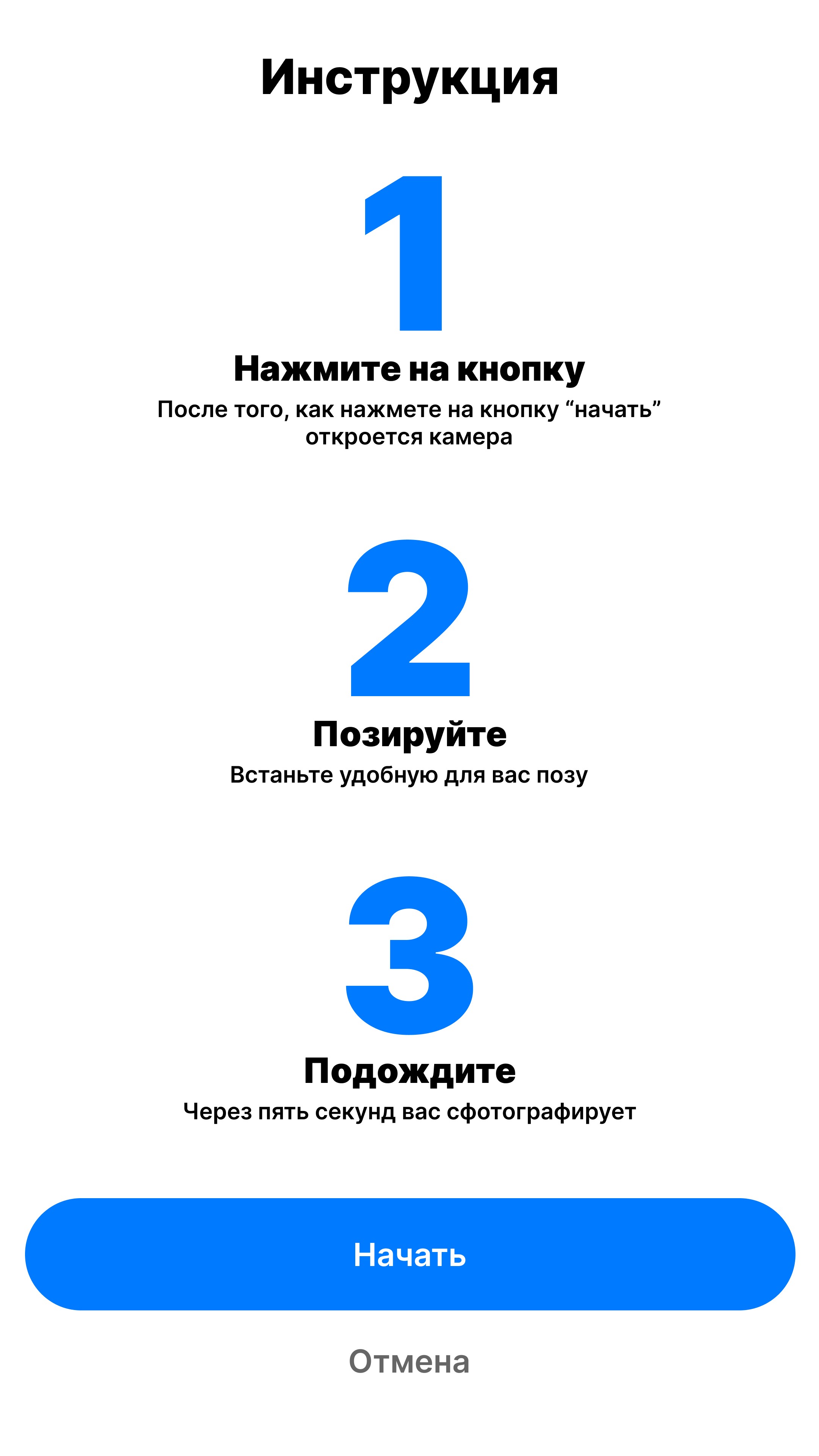
Instruction
Instruction
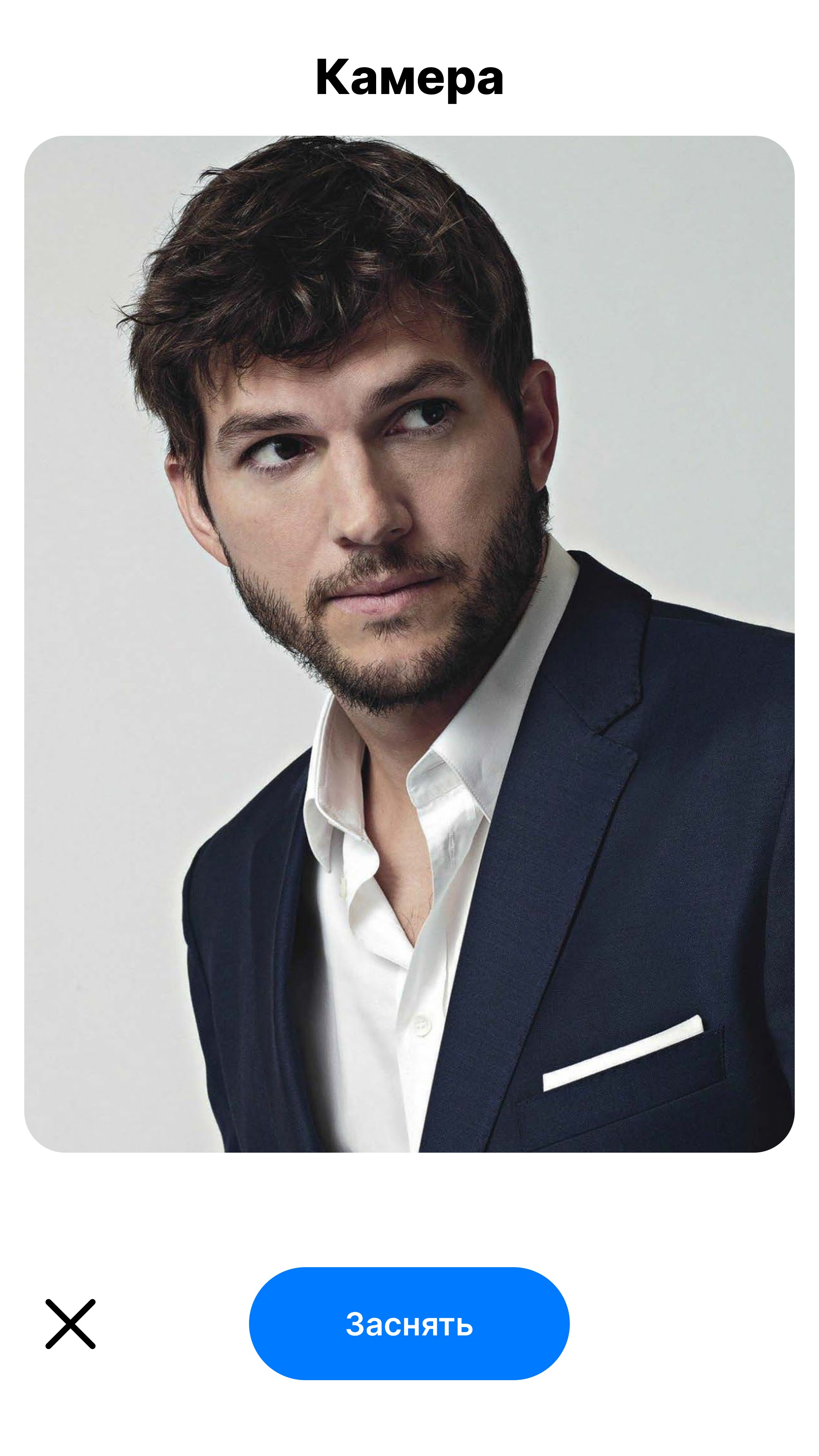
Camera
Camera
Do we need to retake the photo?
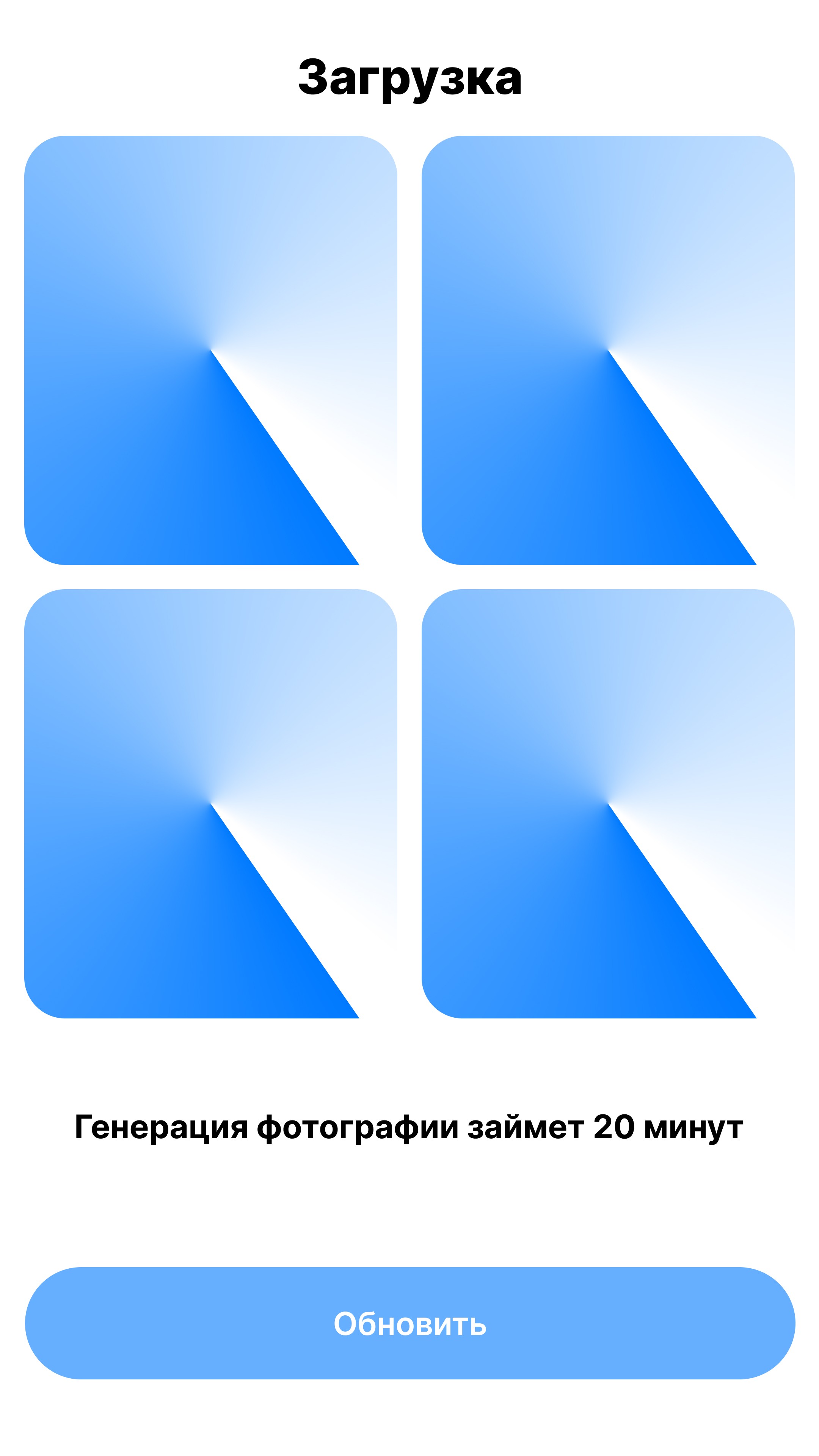
Loading generation
Result
Yes
Yes
No
Do we need to reshoot?
No
Loading generation
Result
Colors
FFFFFF
007AFF
FBFAFA
000000
Fonts
Inter
Font
Size
22 px
17 px
14 px
10 px
Chapter 2 - Design
Chapter 2 - Design
Colors
Fonts
FFFFFF
007AFF
FBFAFA
000000
Inter
Font
Size
40 px
32 px
16 px
10 px
Colors
Fonts
FFFFFF
007AFF
FBFAFA
000000
Inter
Font
Size
40 px
32 px
16 px
10 px
Chapter 2 - Design
Main Screen

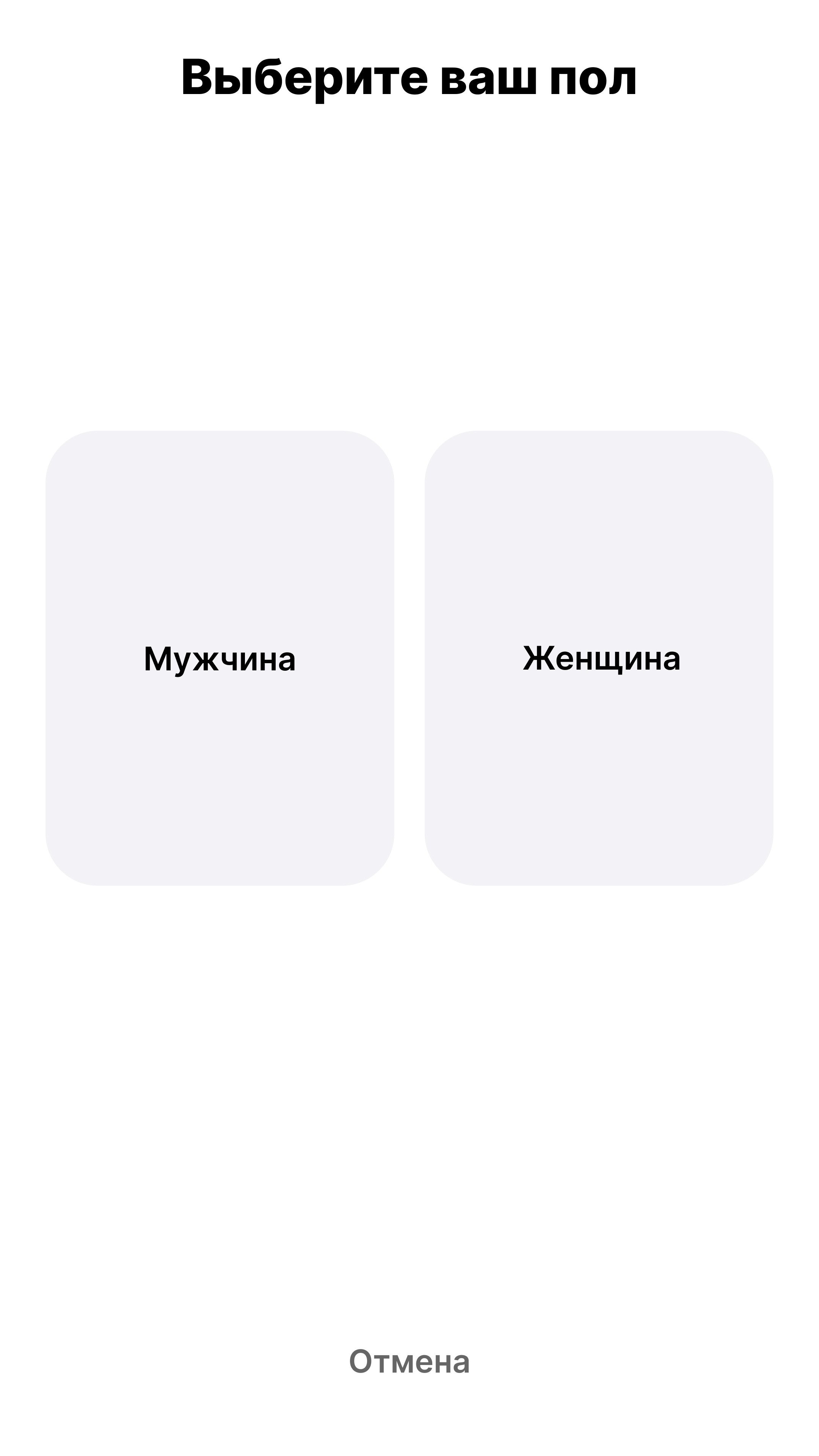
Gender selection
Instruction
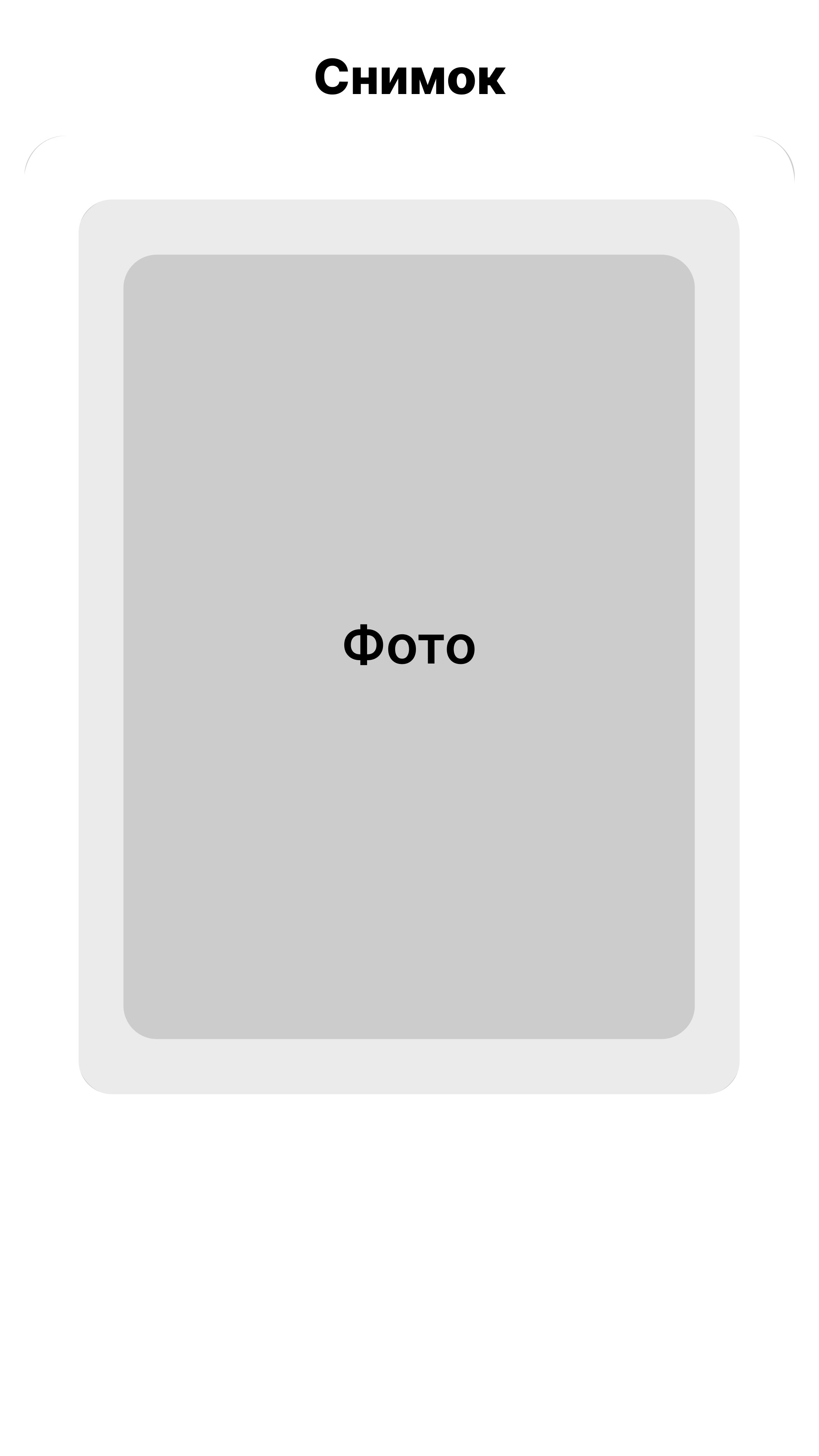
Snapshot
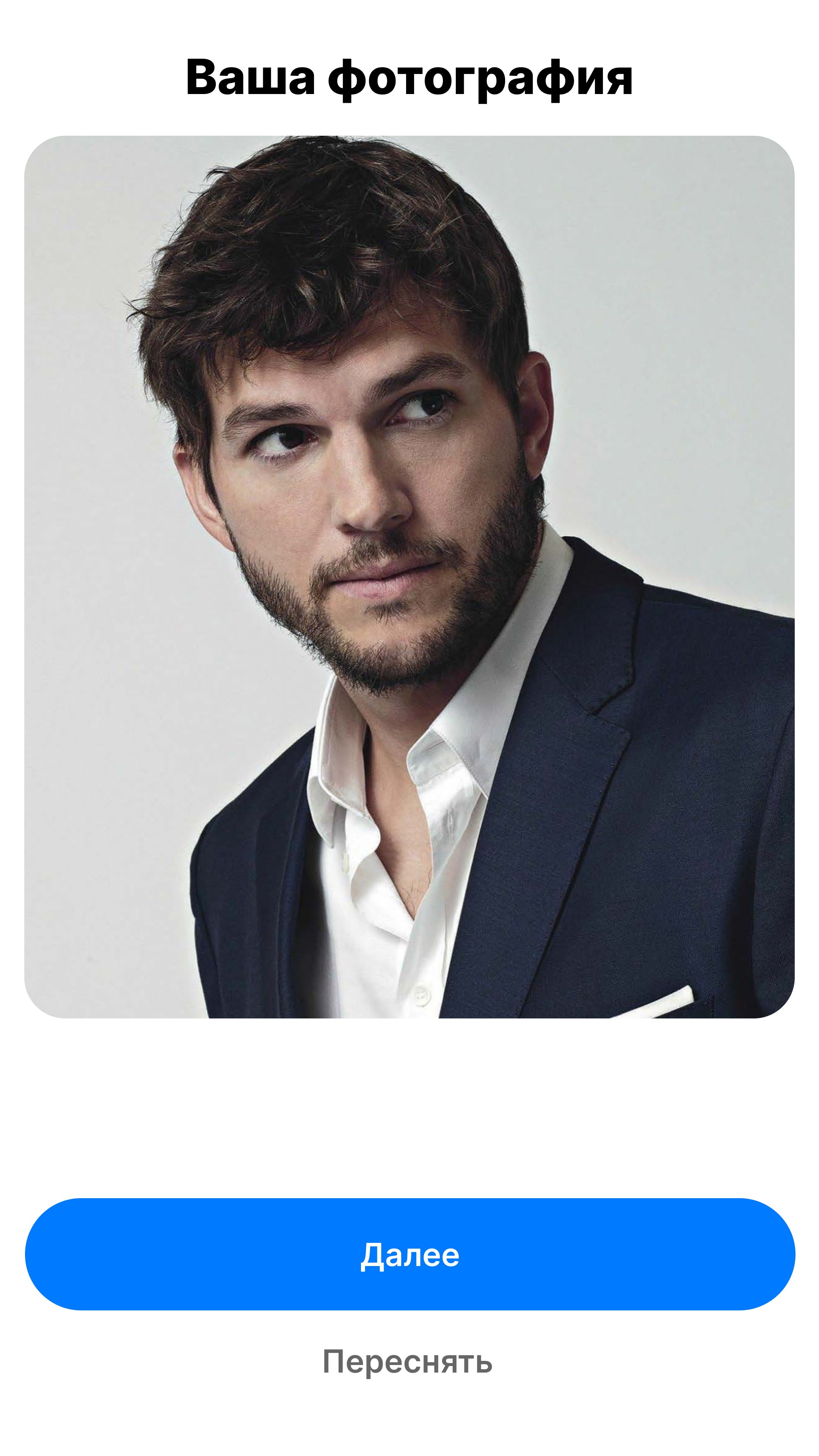
Confirm
Loading
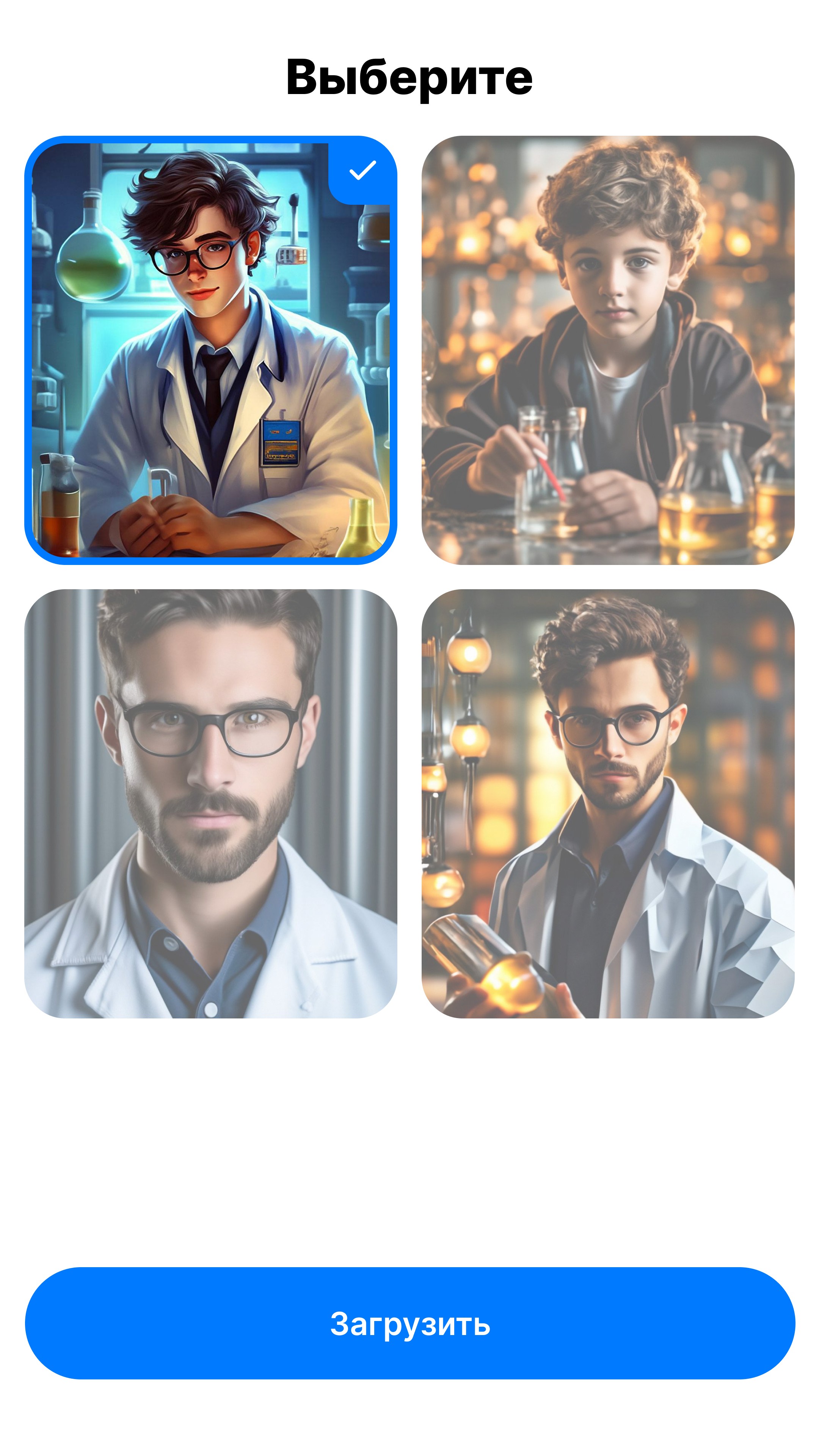
Choosing a photo
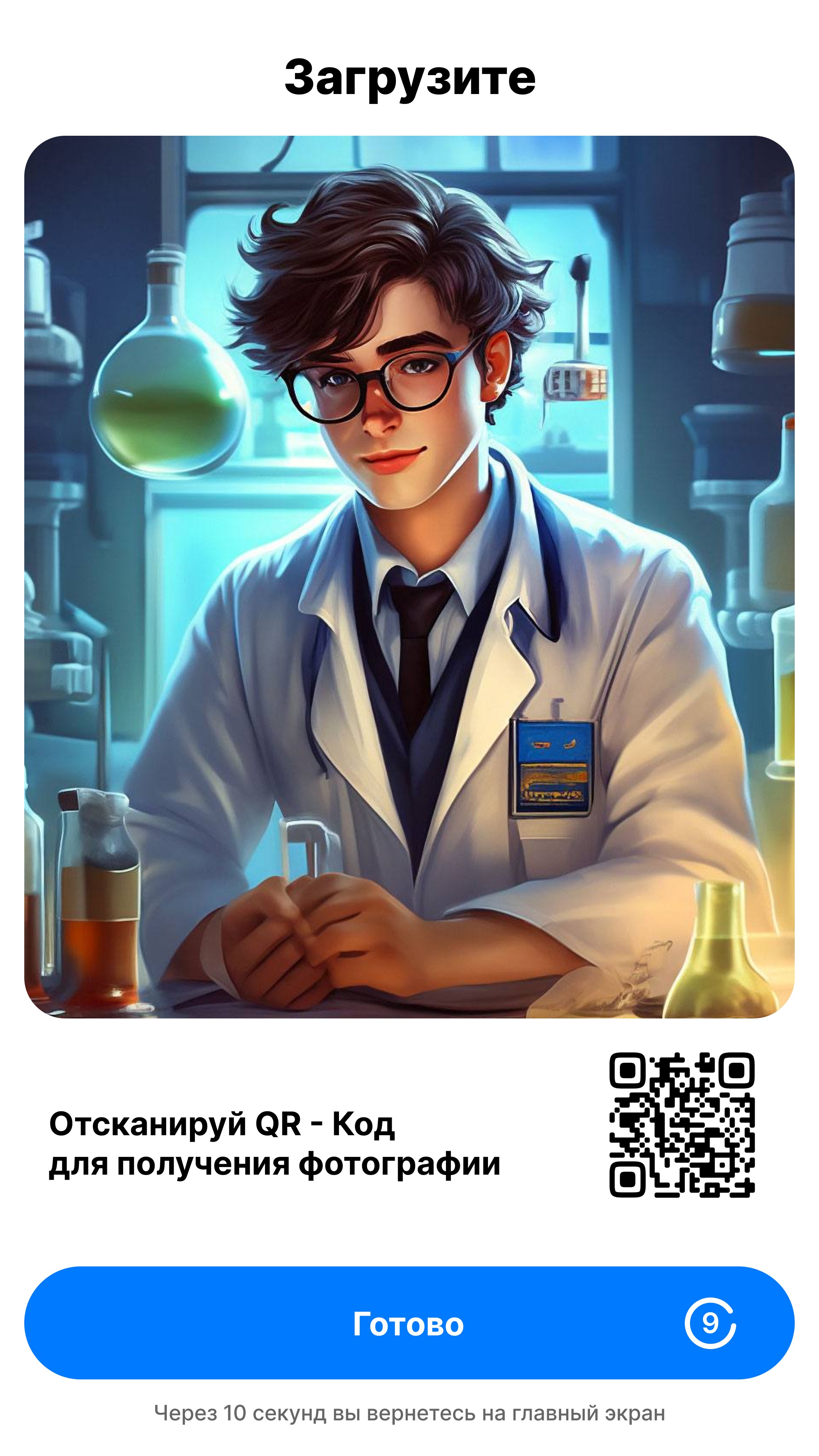
Downloading a photo
WirFrames for terminal

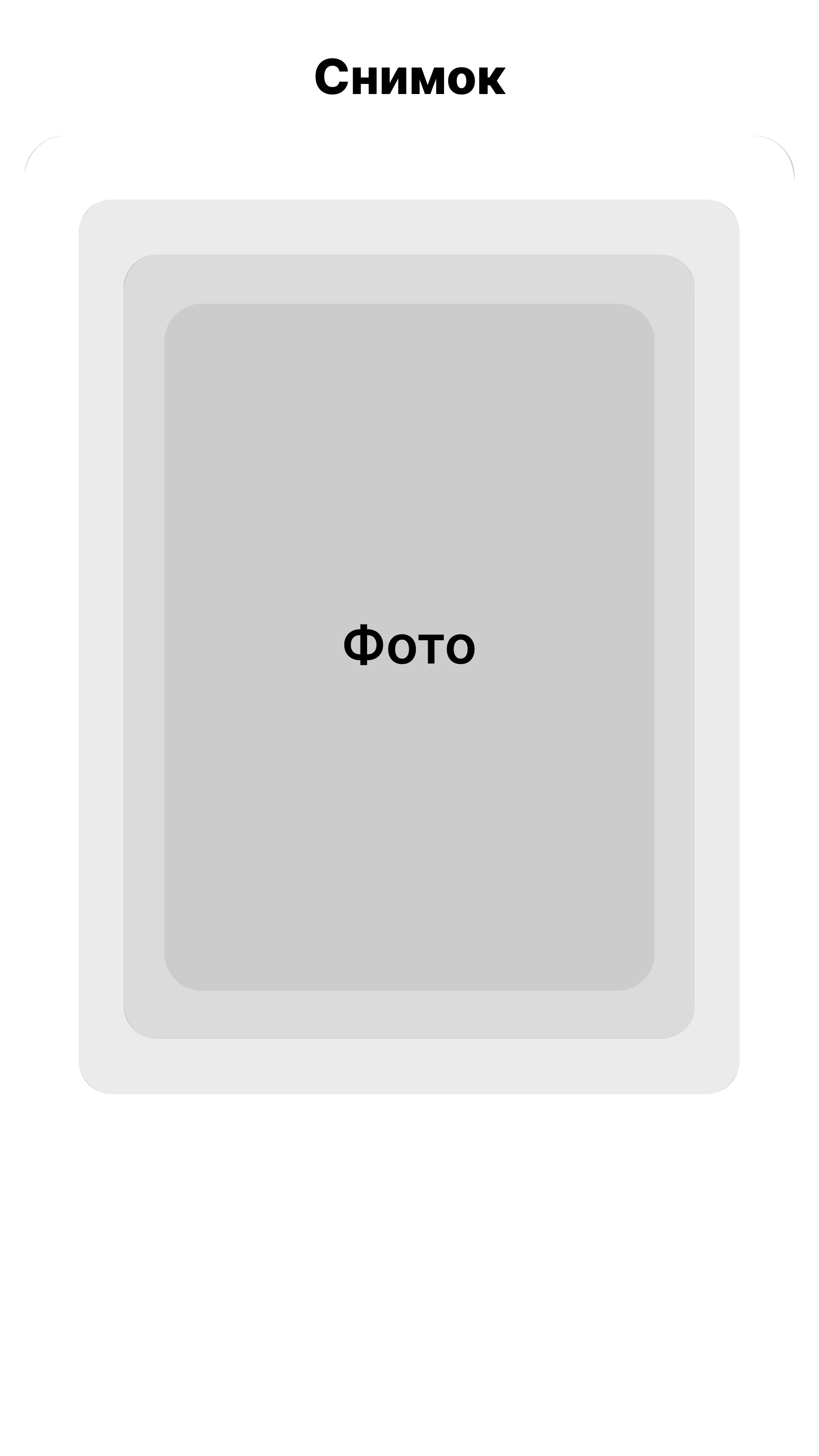
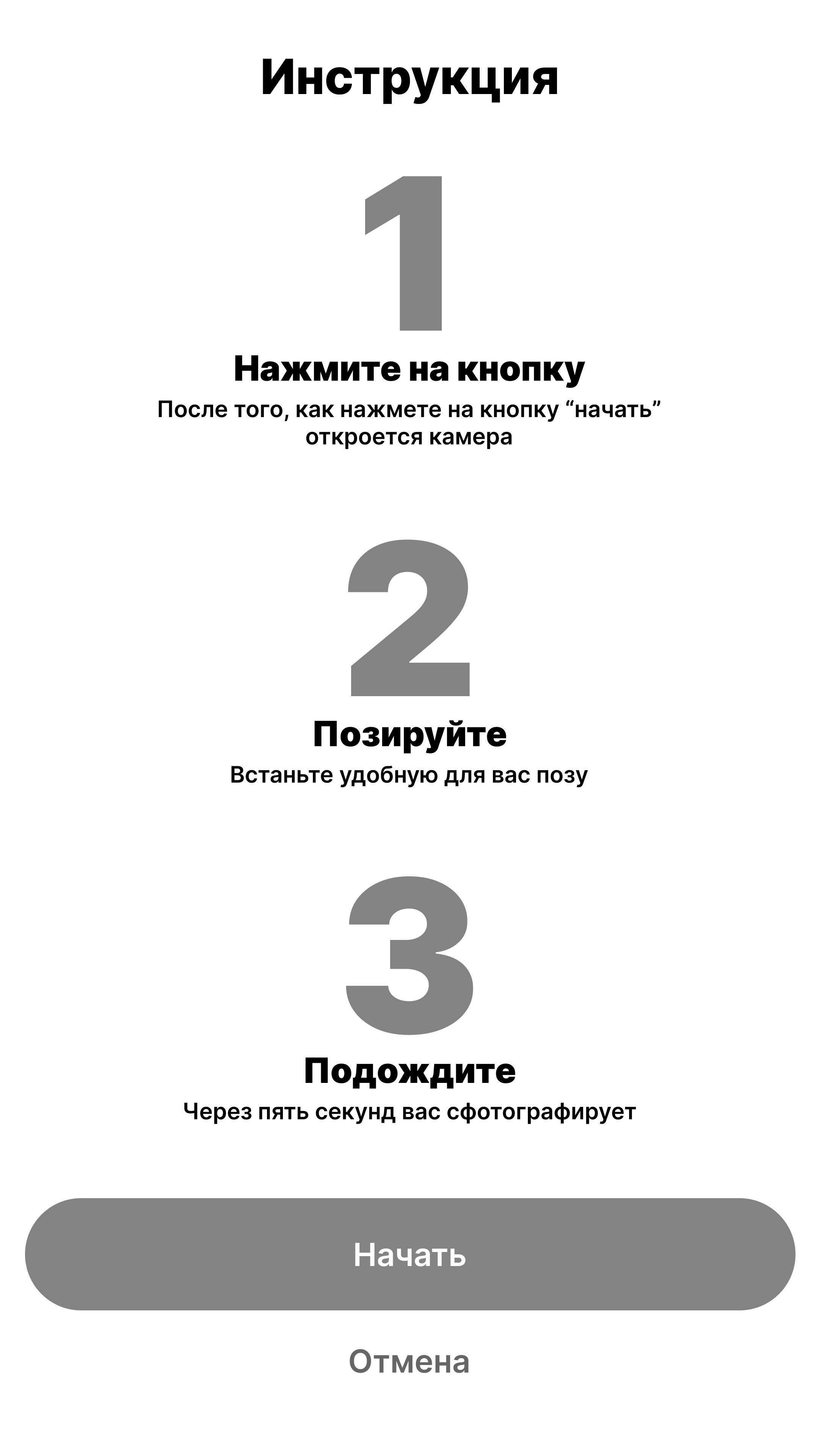
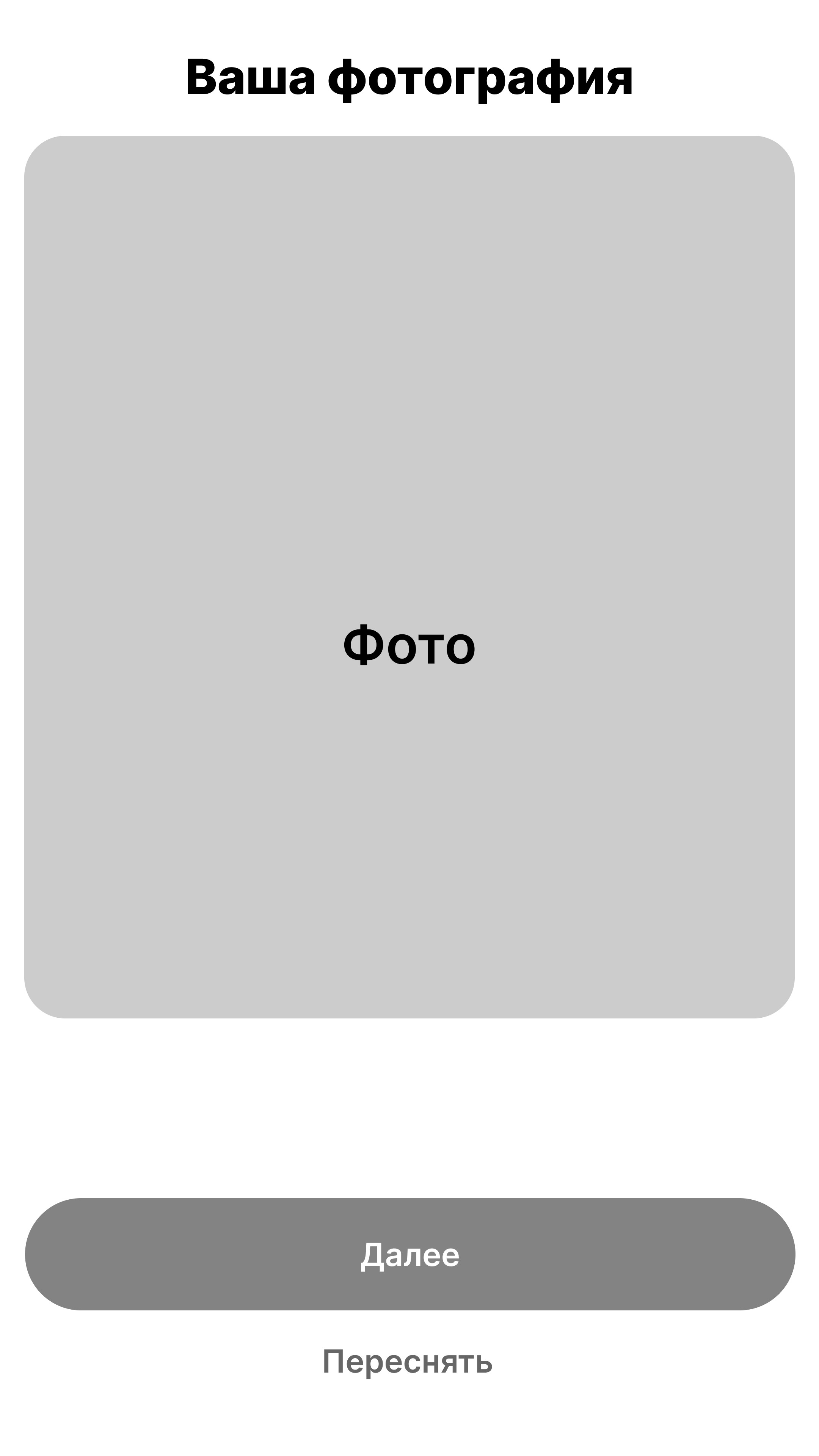
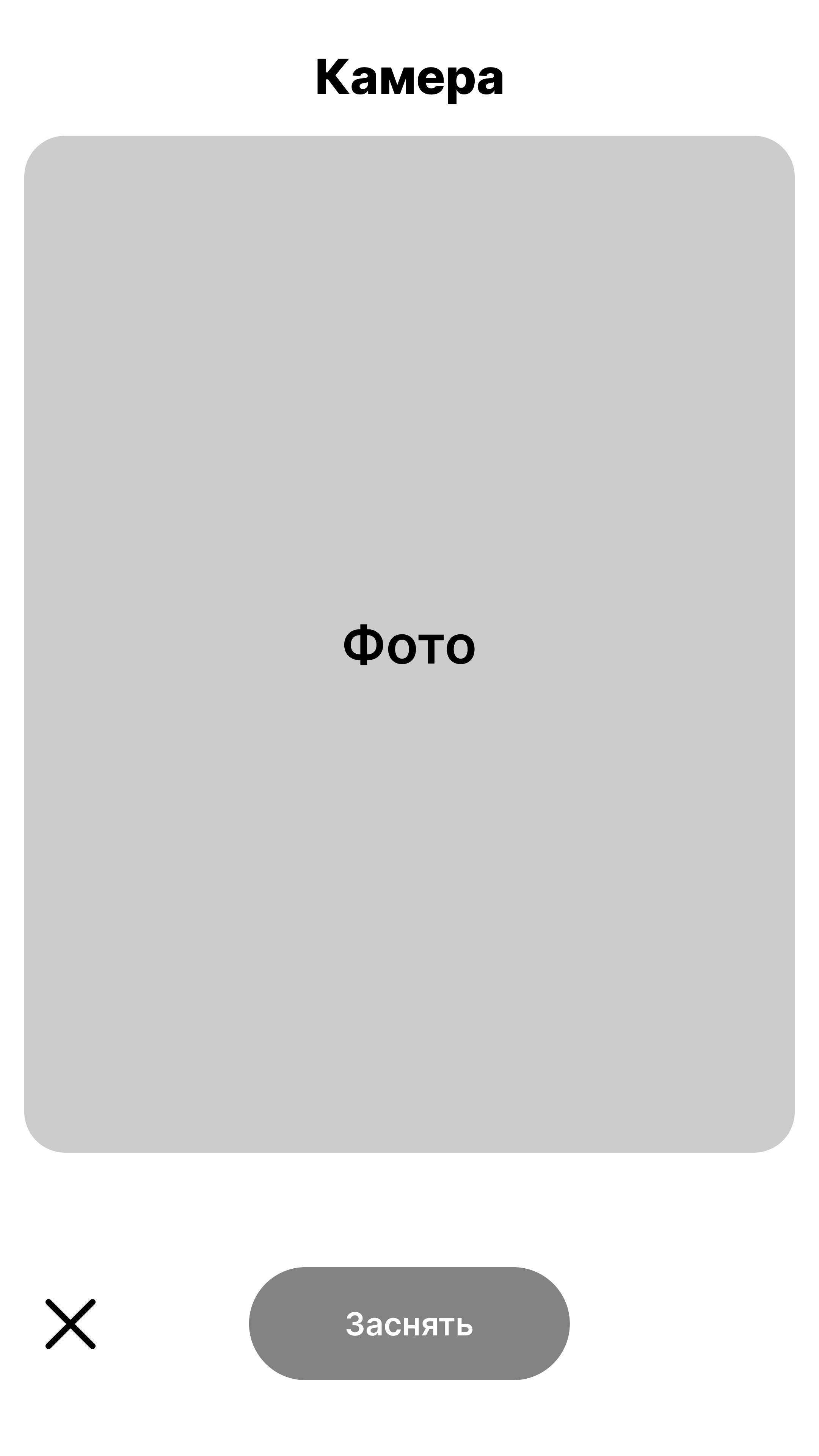
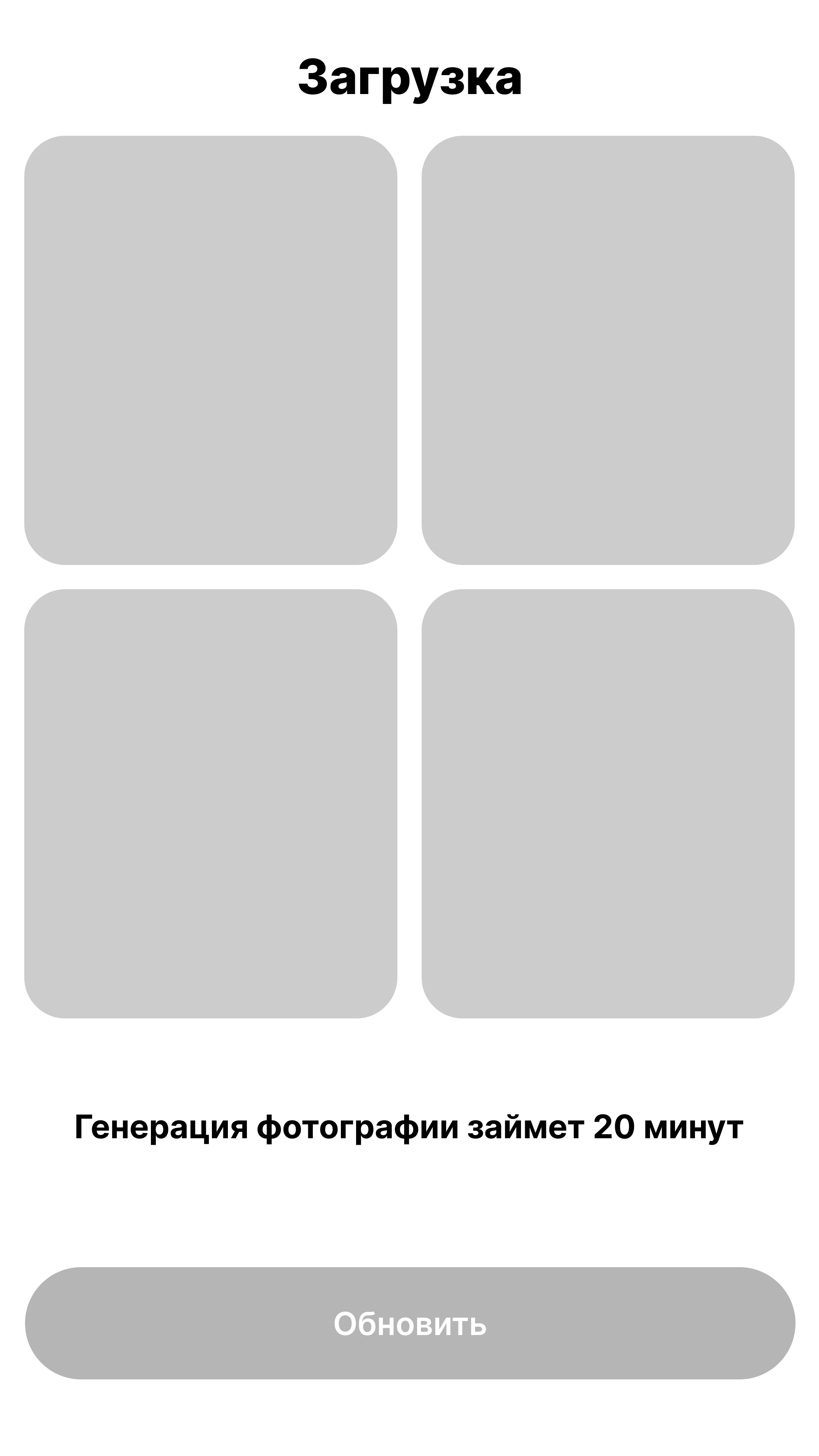
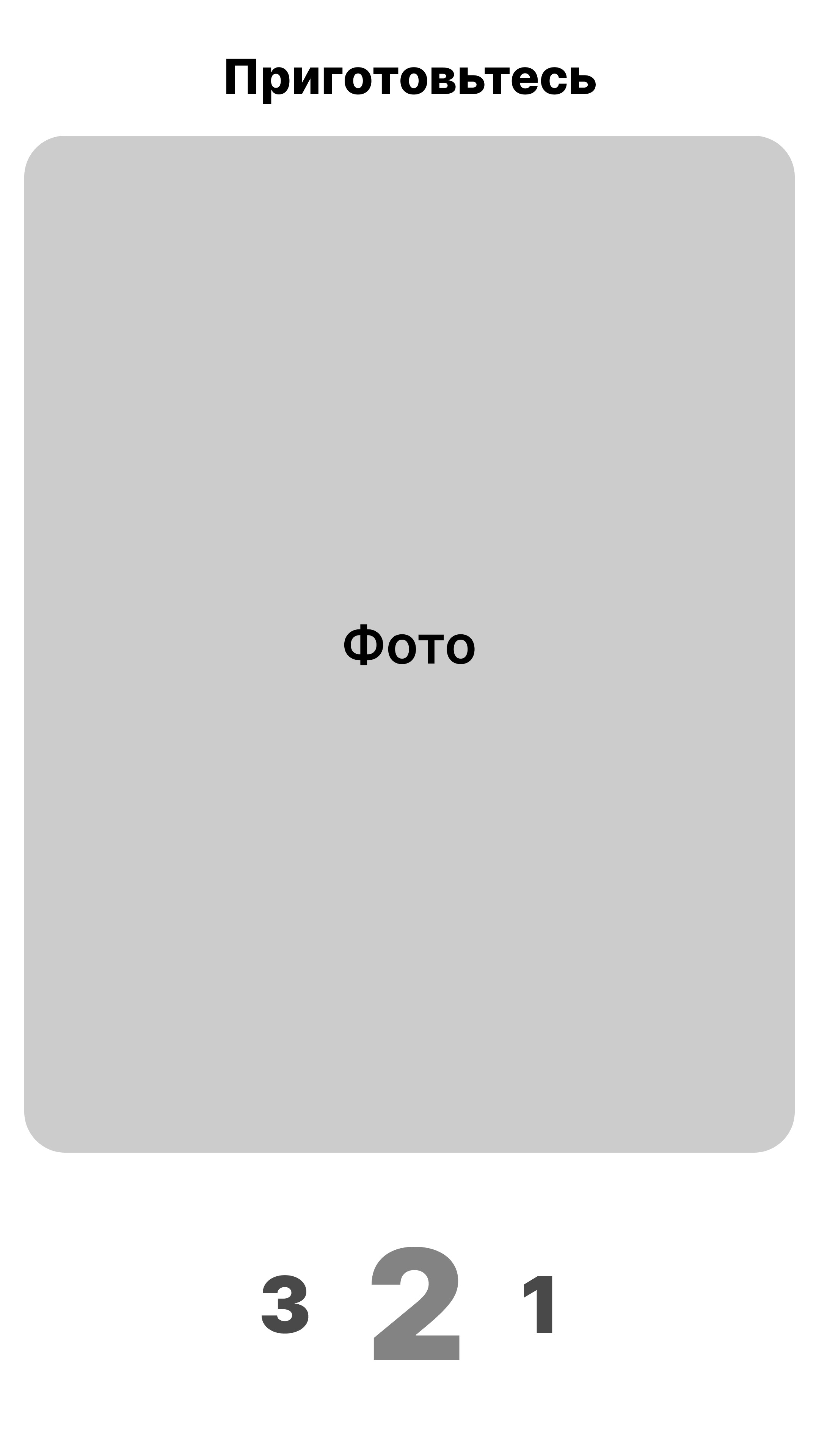
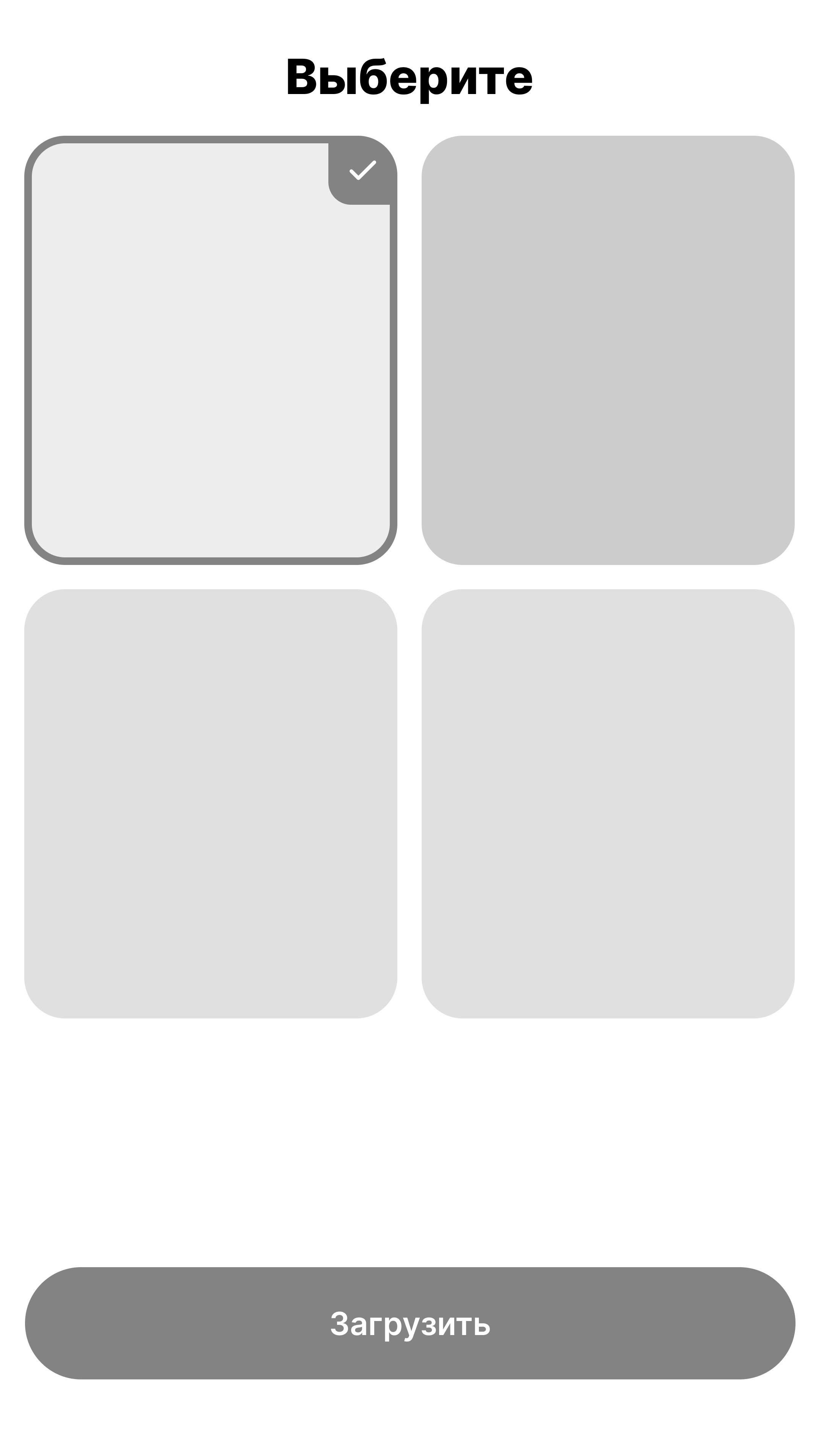
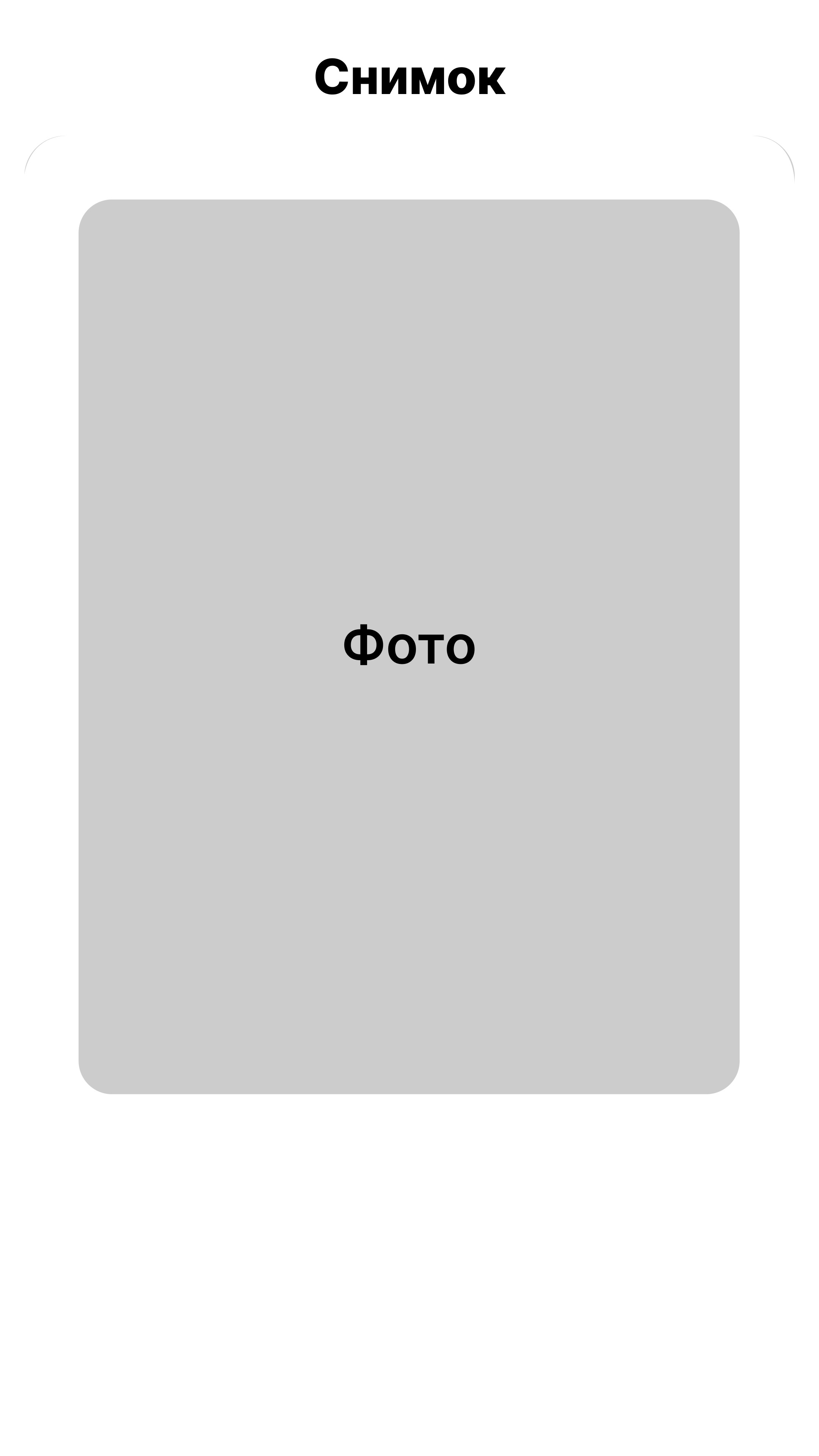
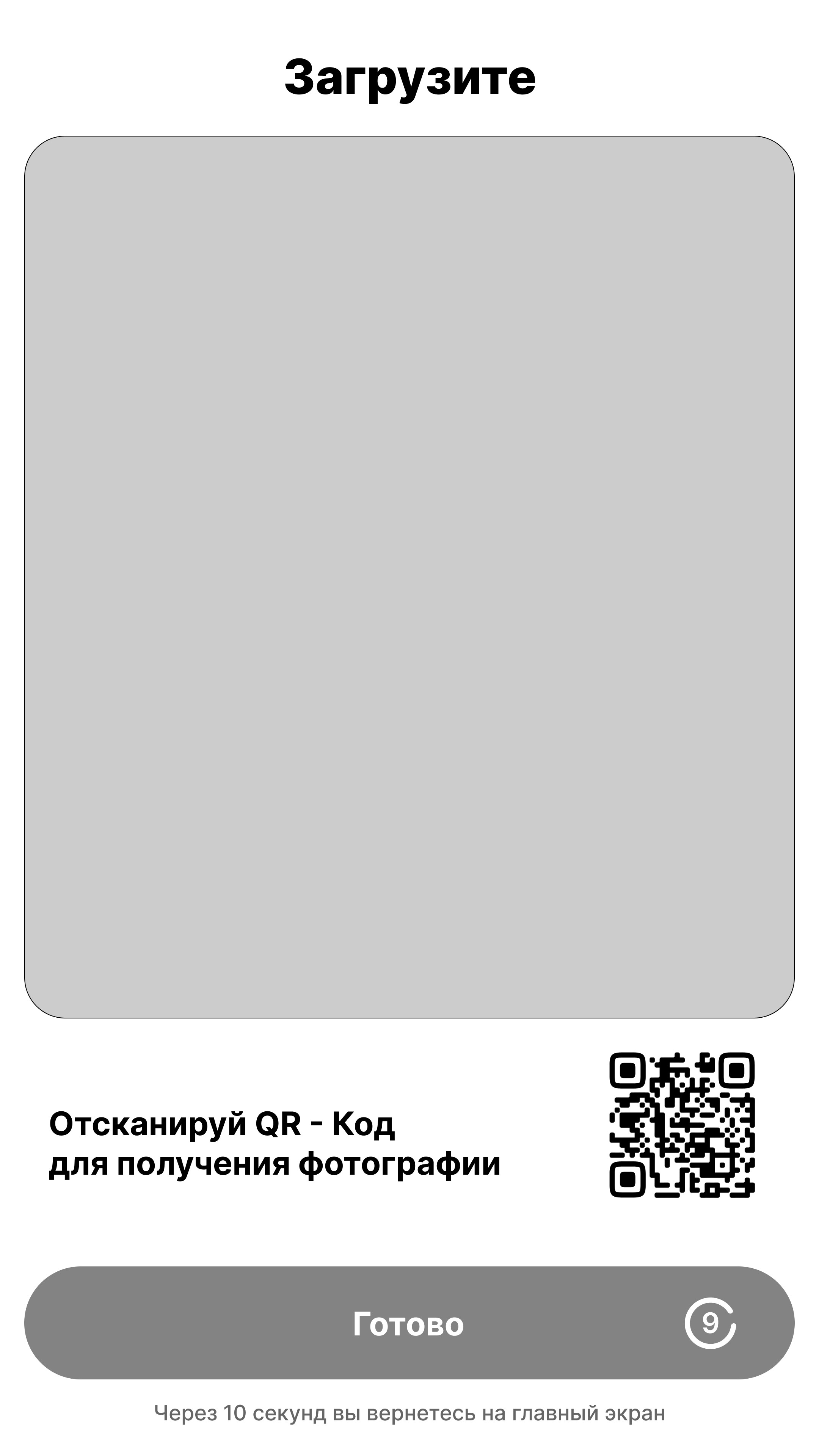
WirFrames for terminal
WirFrames for terminal
WirFrames for terminal
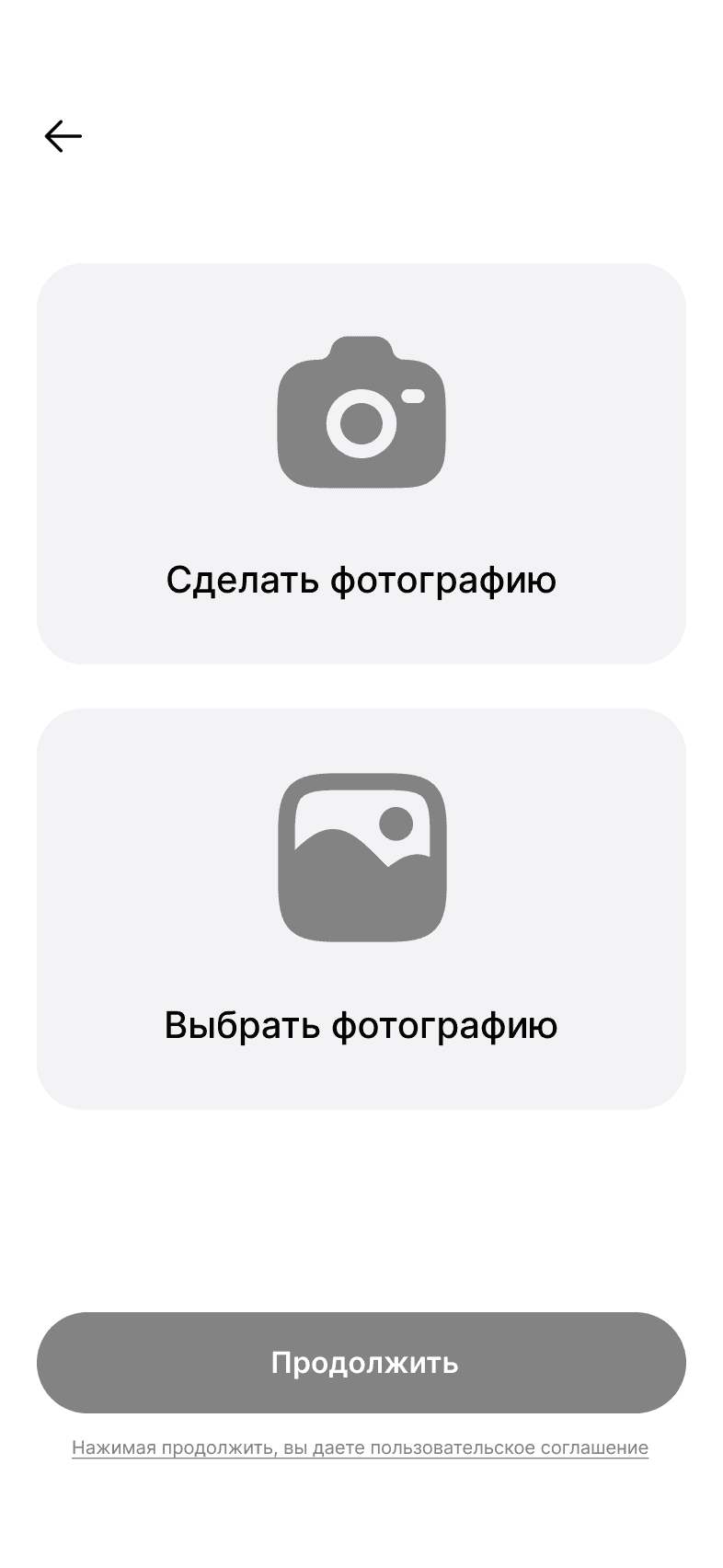
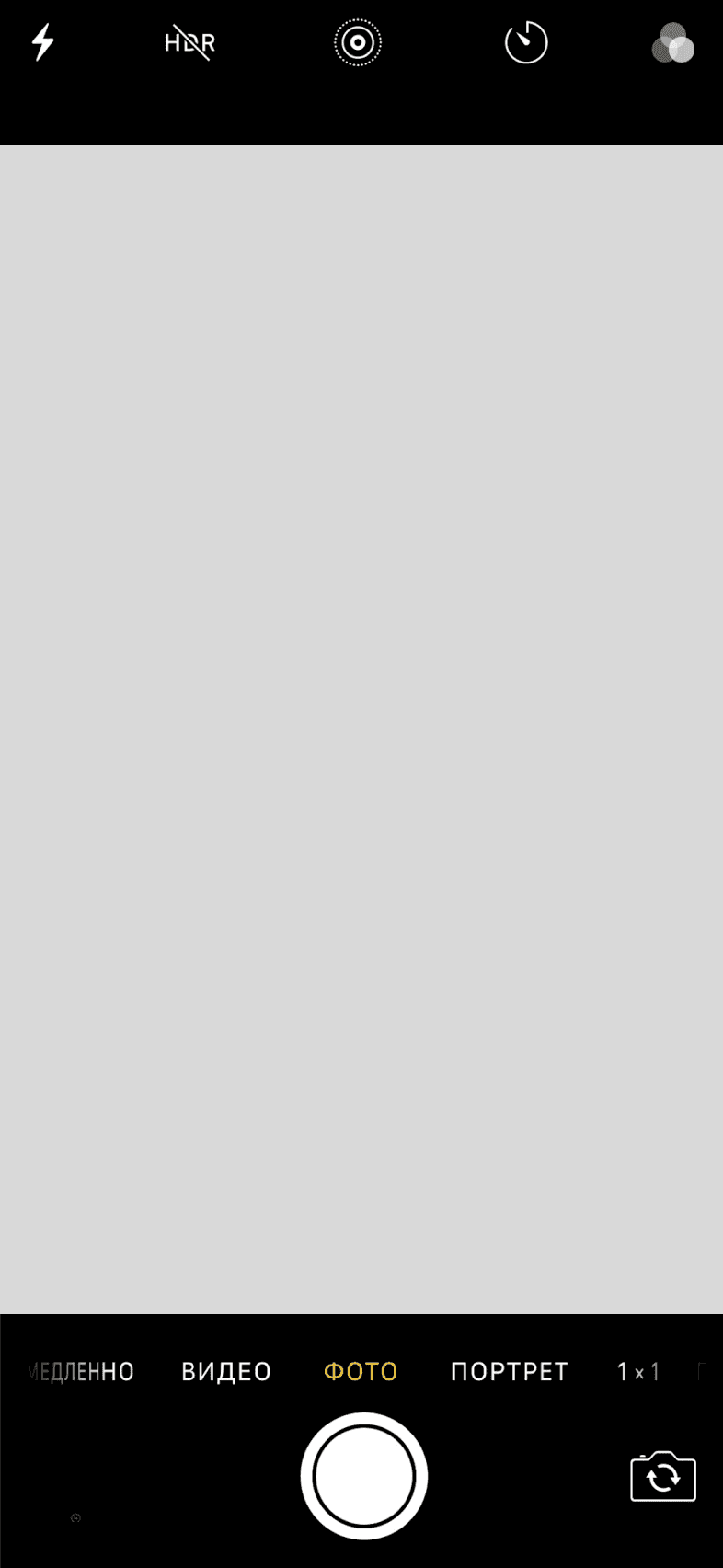
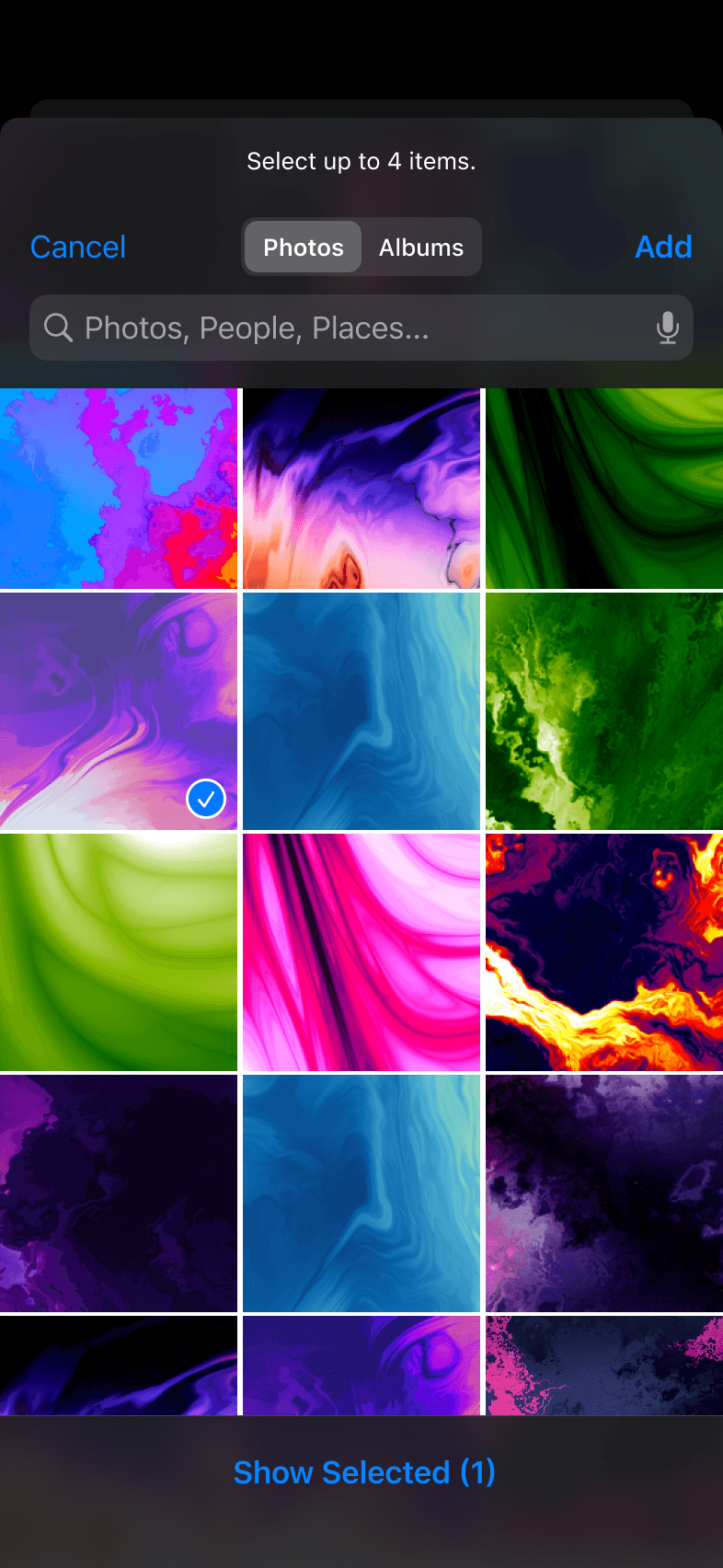
WirFrames for phone

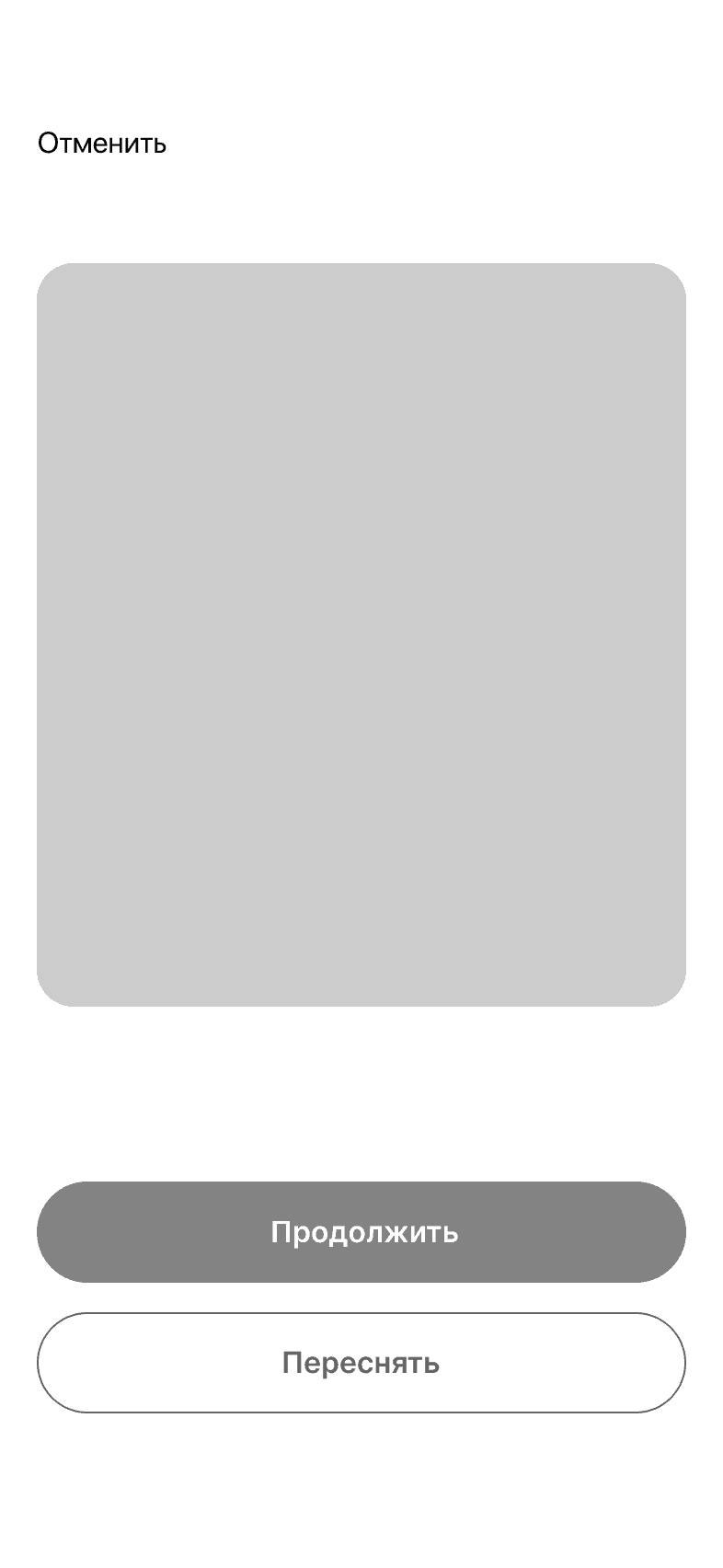
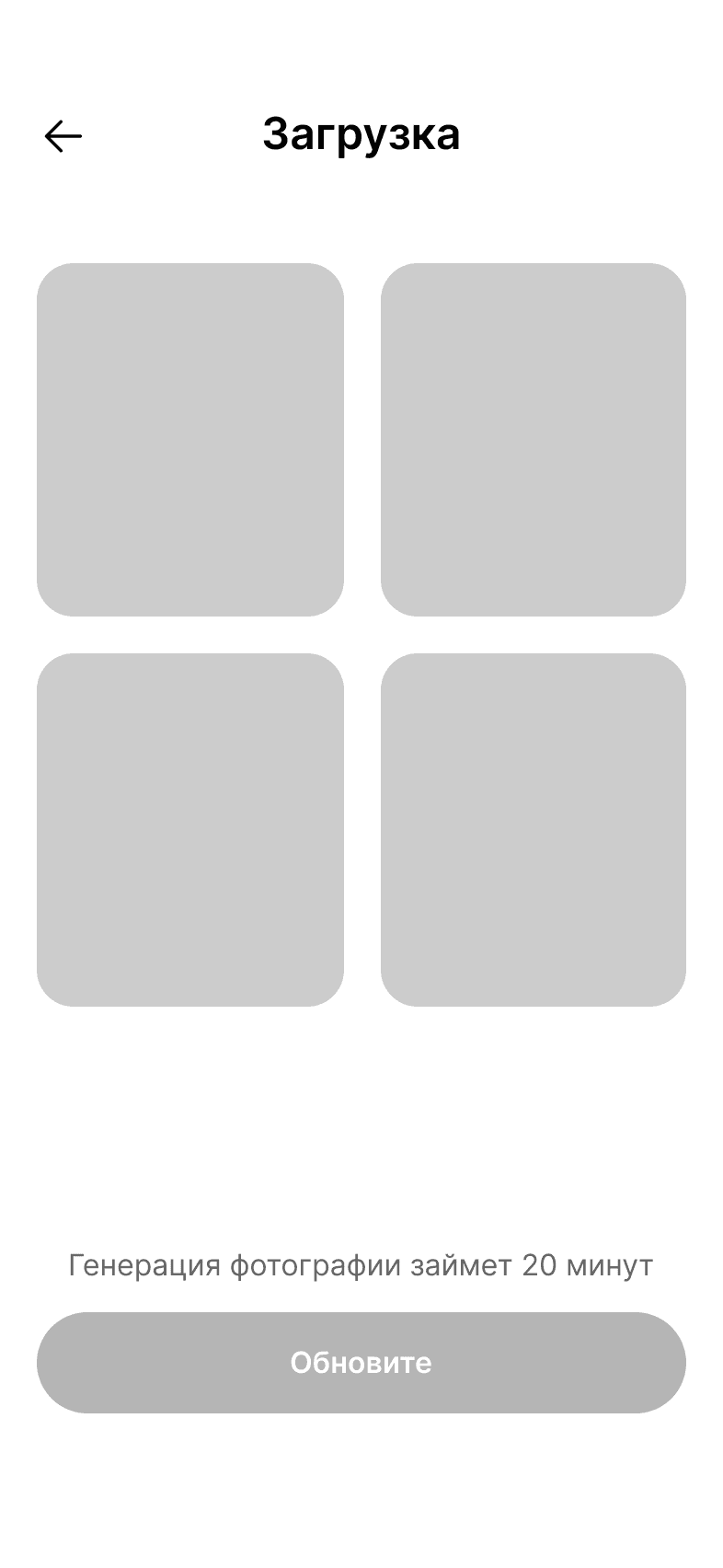
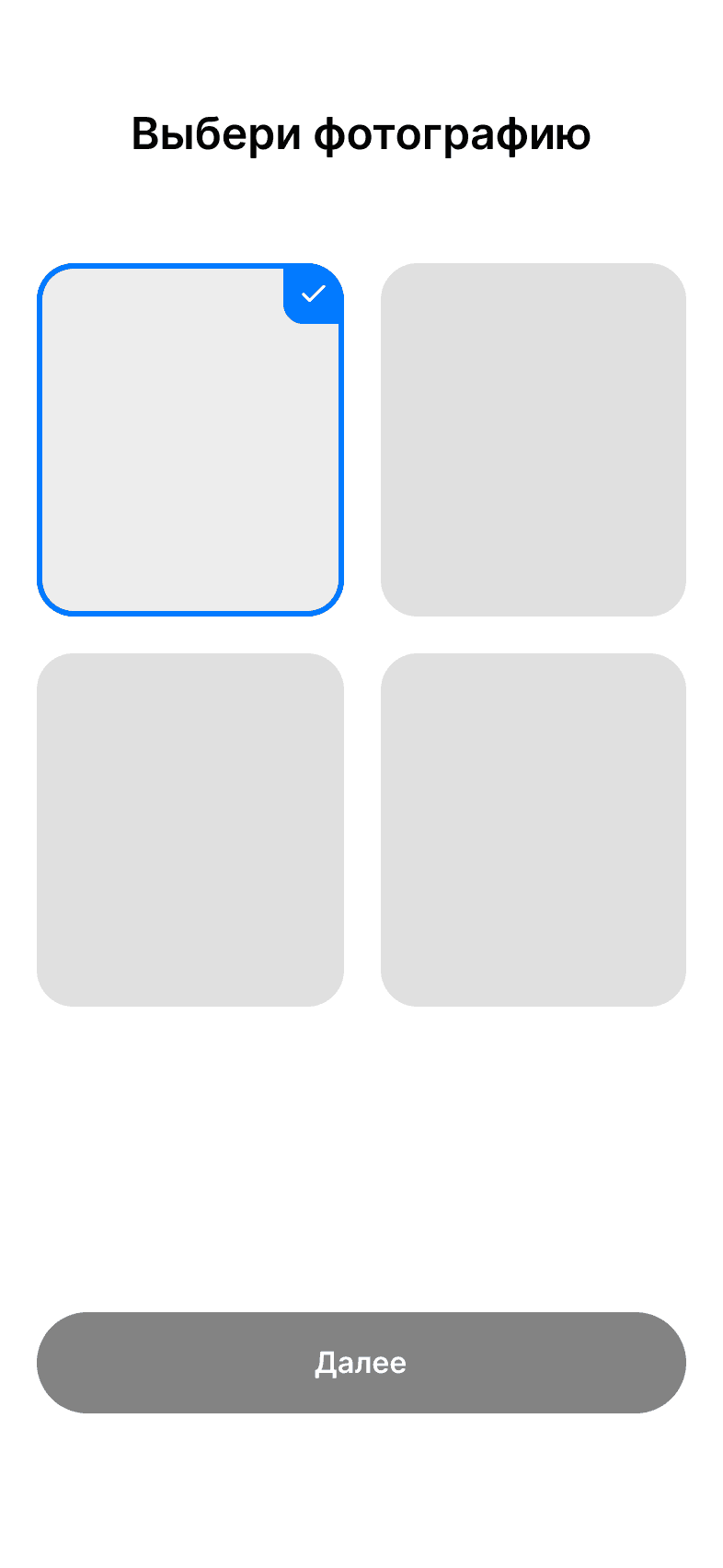
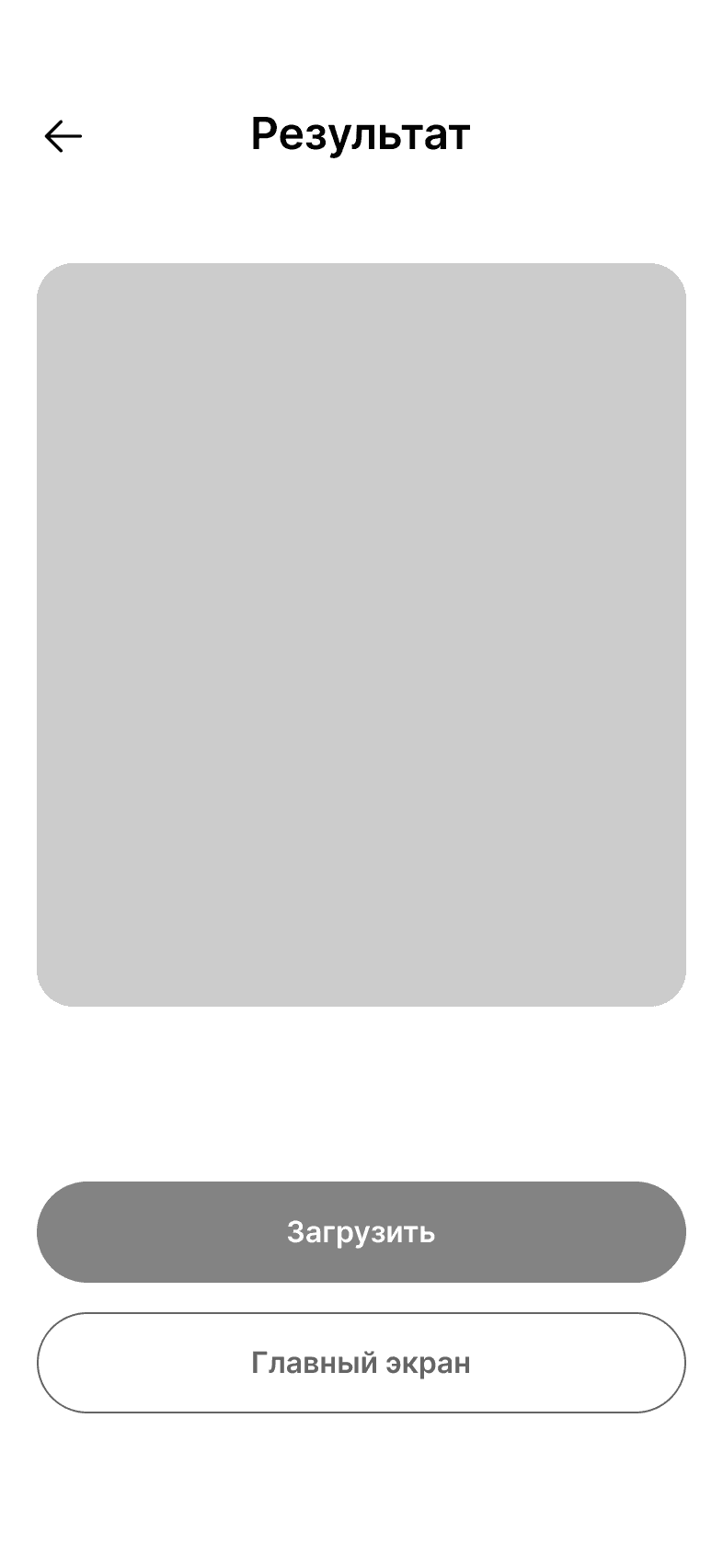
All screens
All terminal screens
All terminal screens
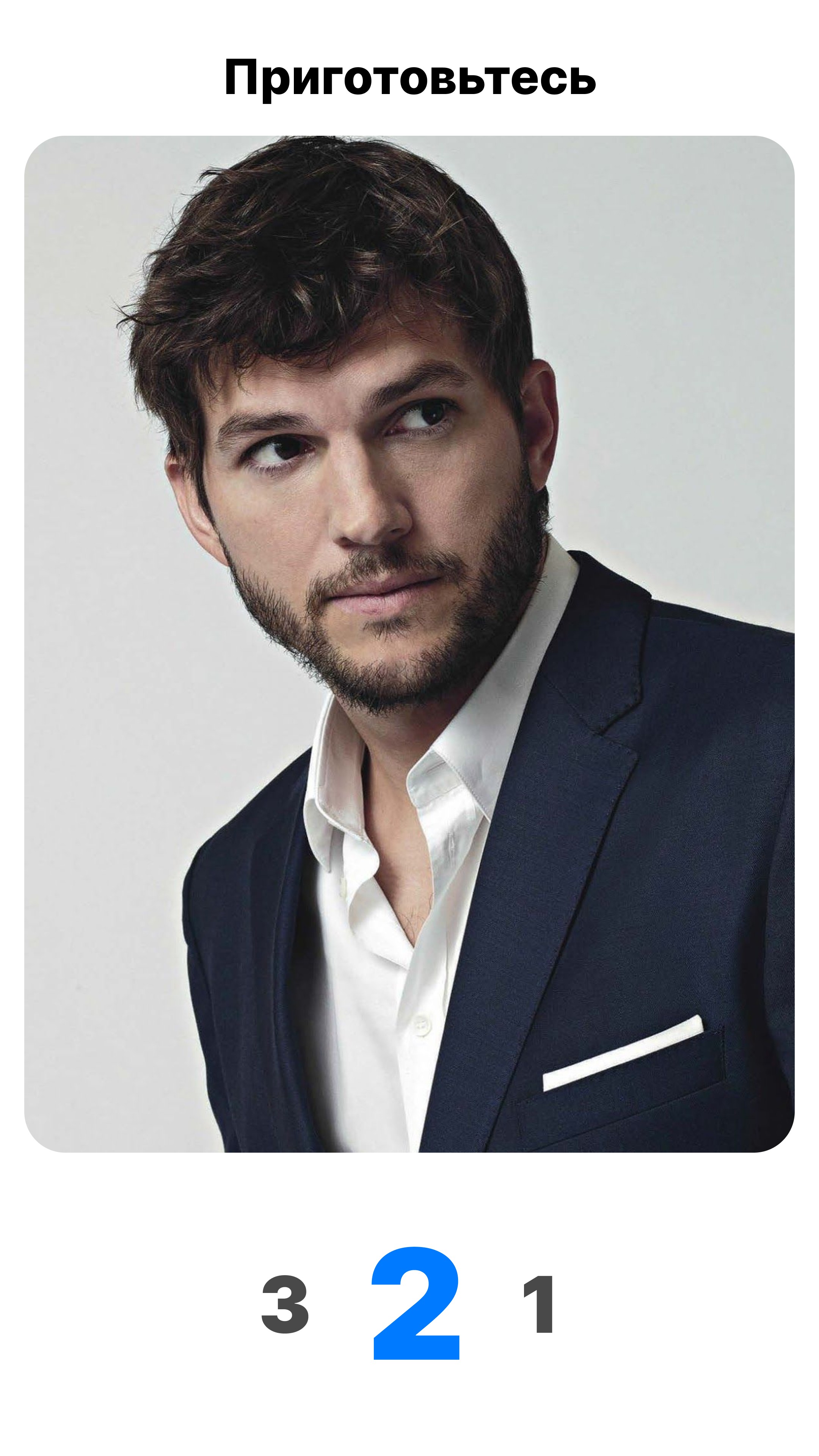
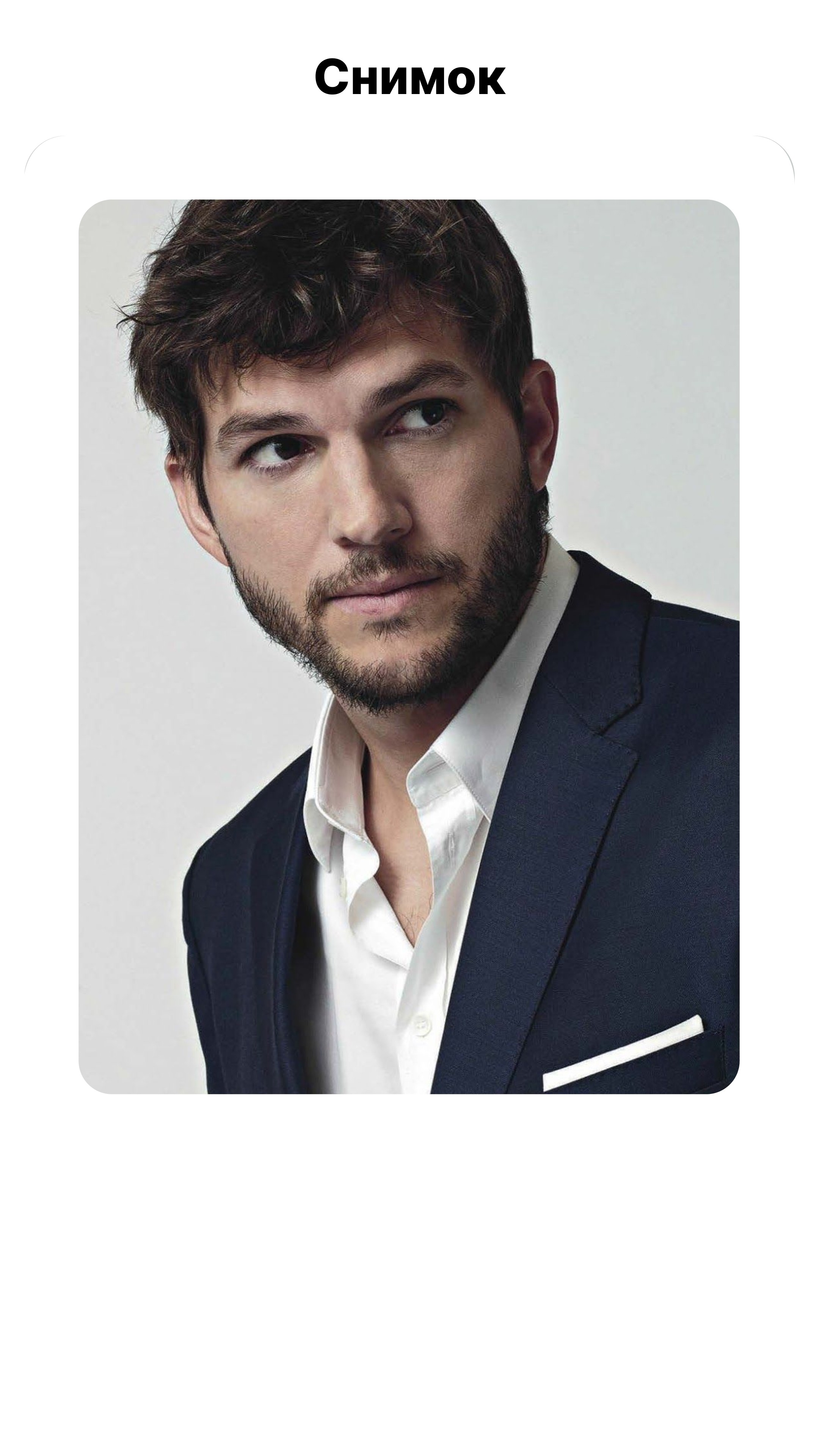
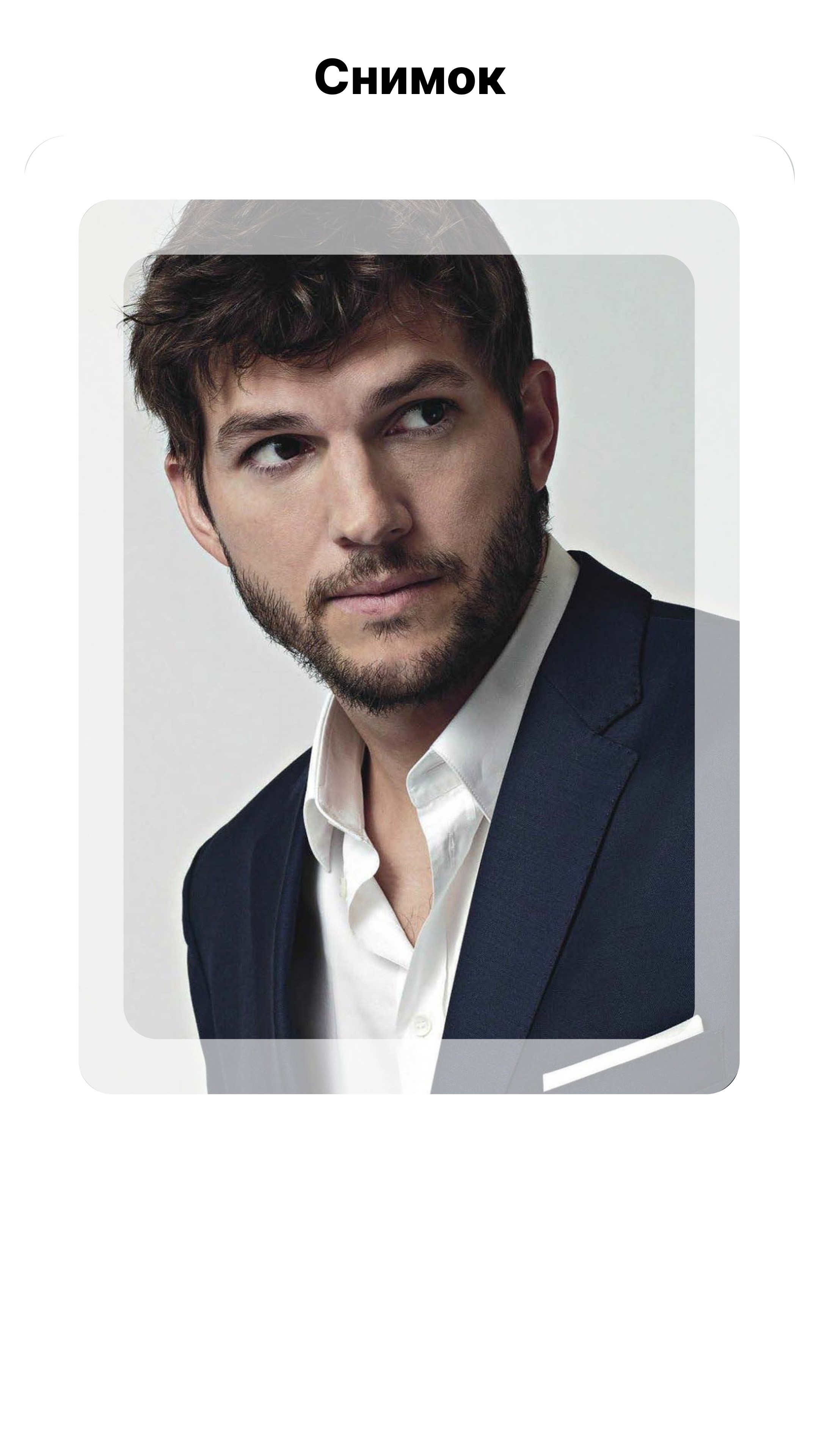
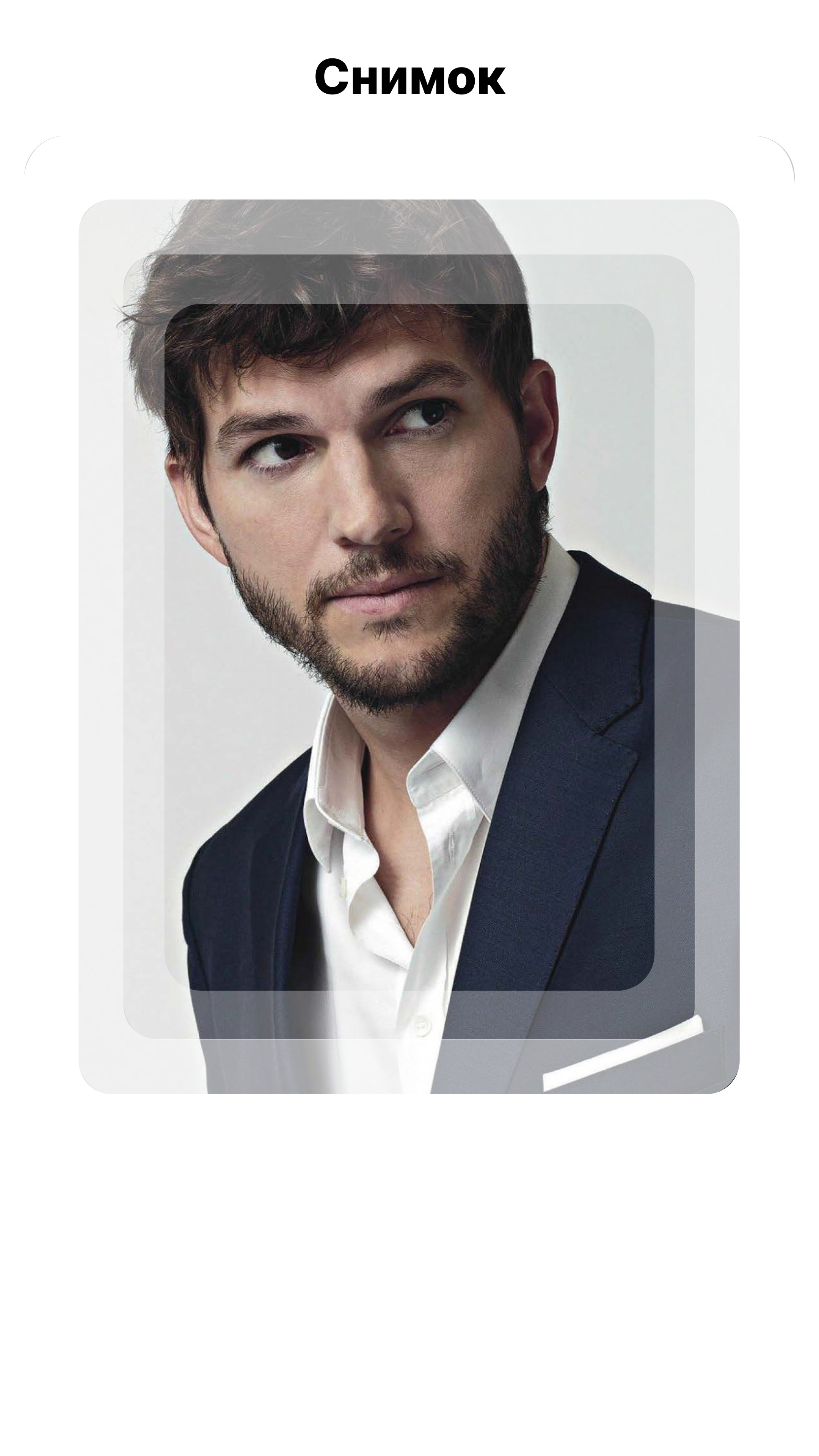
All terminal screens
All terminal screens
All mobile screens

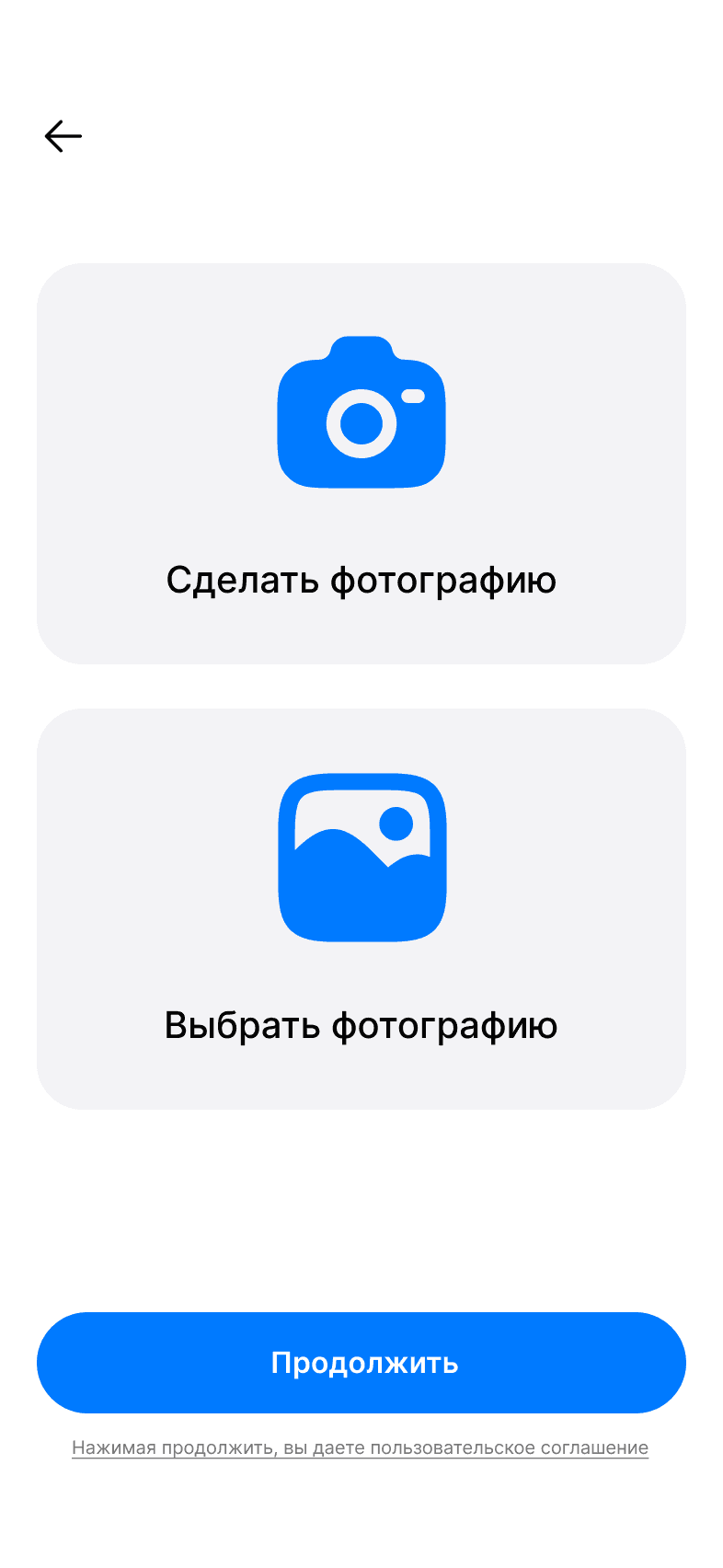
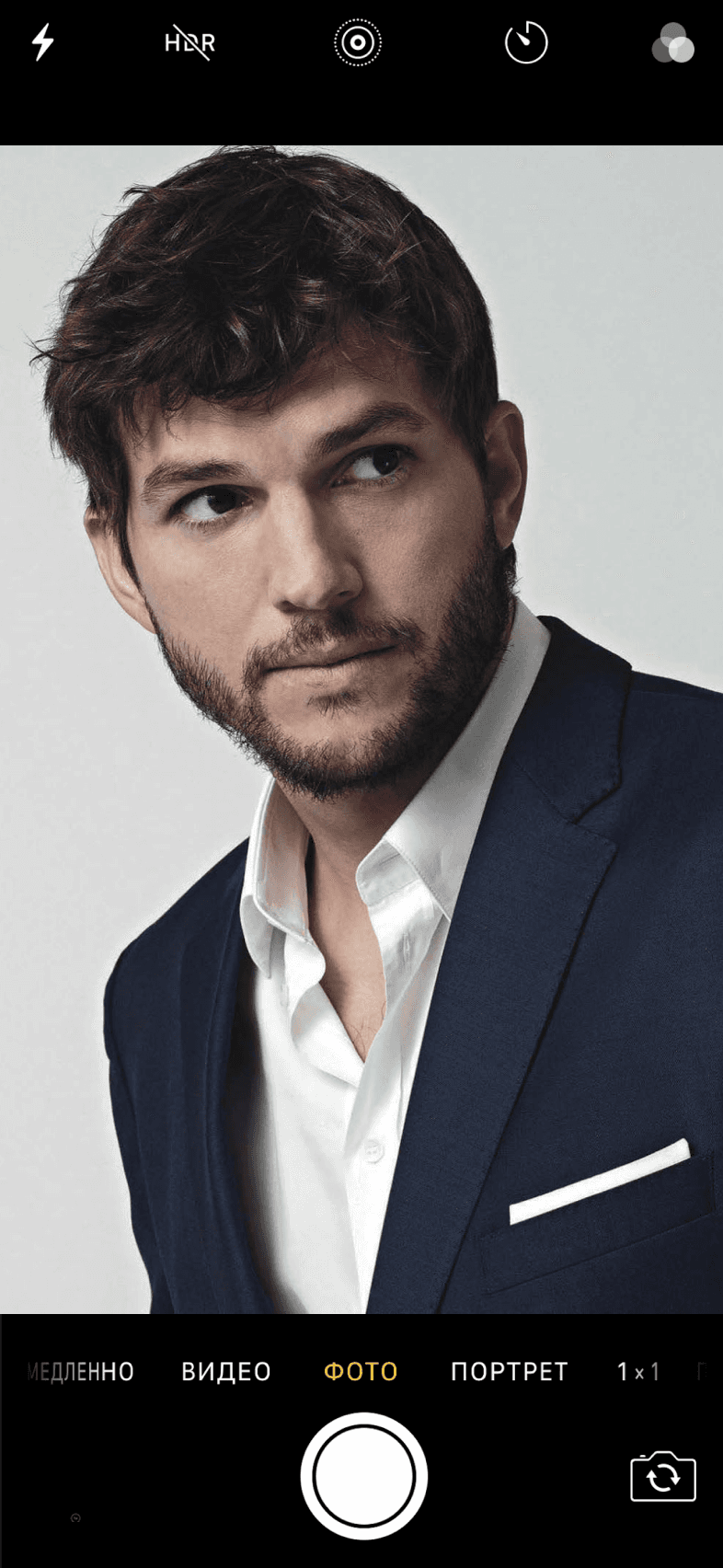
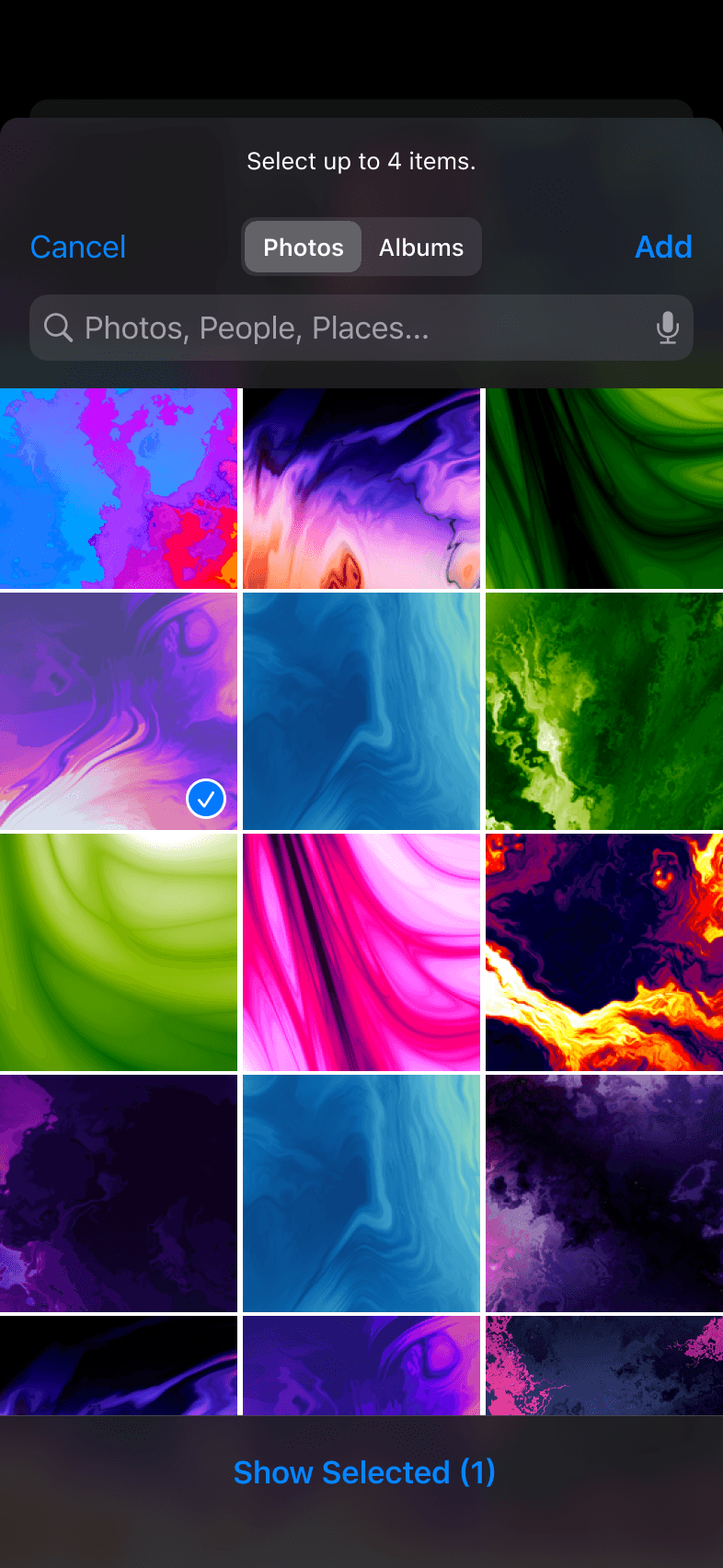
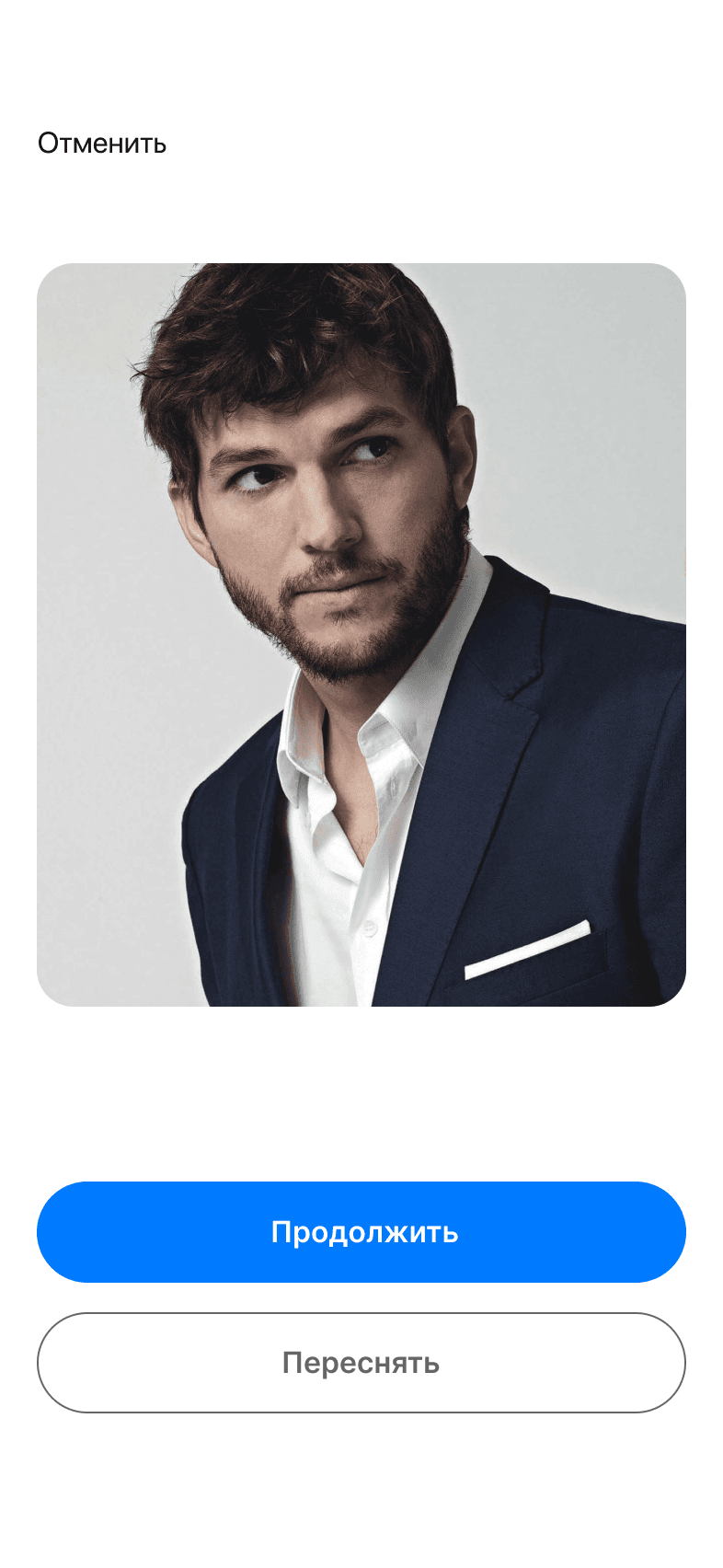
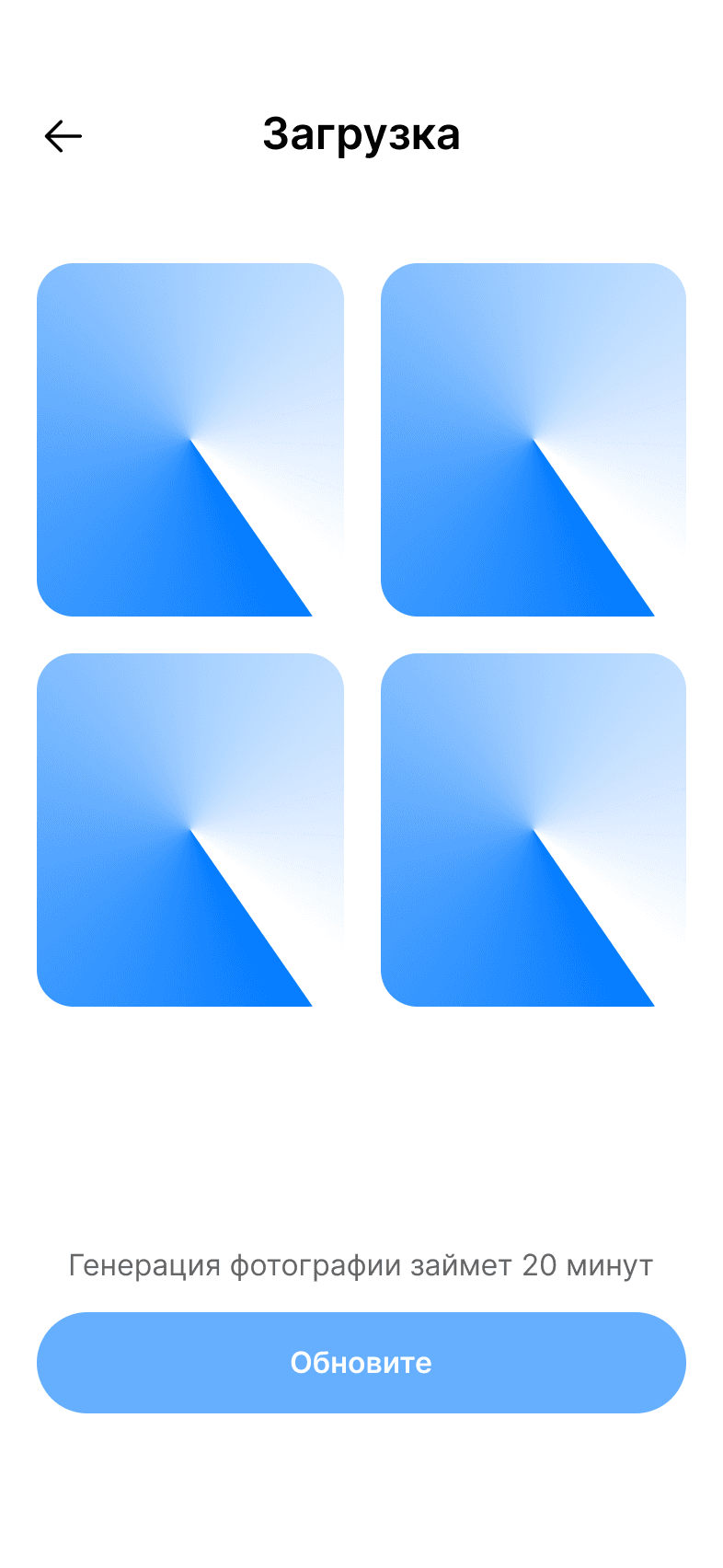
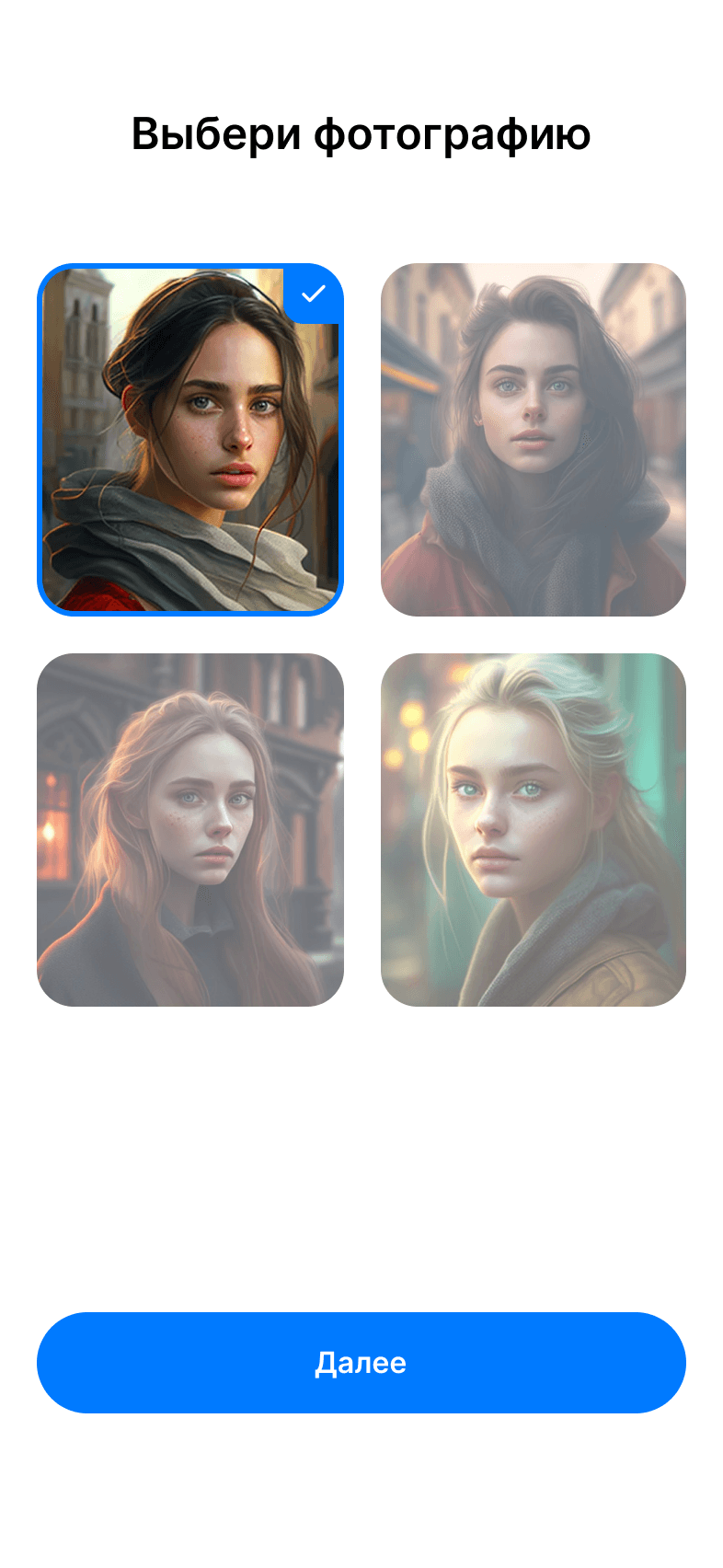
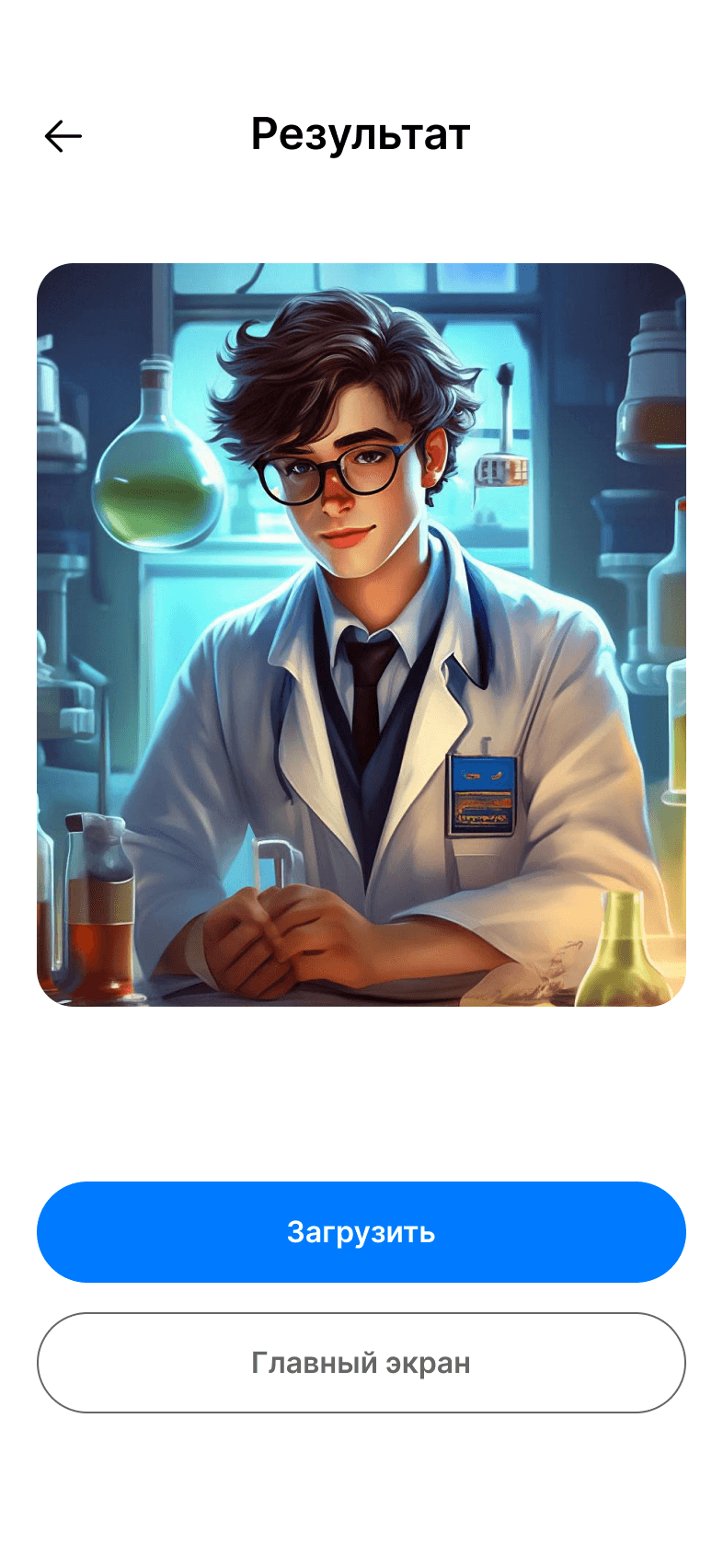
All mobile screens

Персональное
Портфолио
Персональное
Портфолио
Chapter 2 - Design
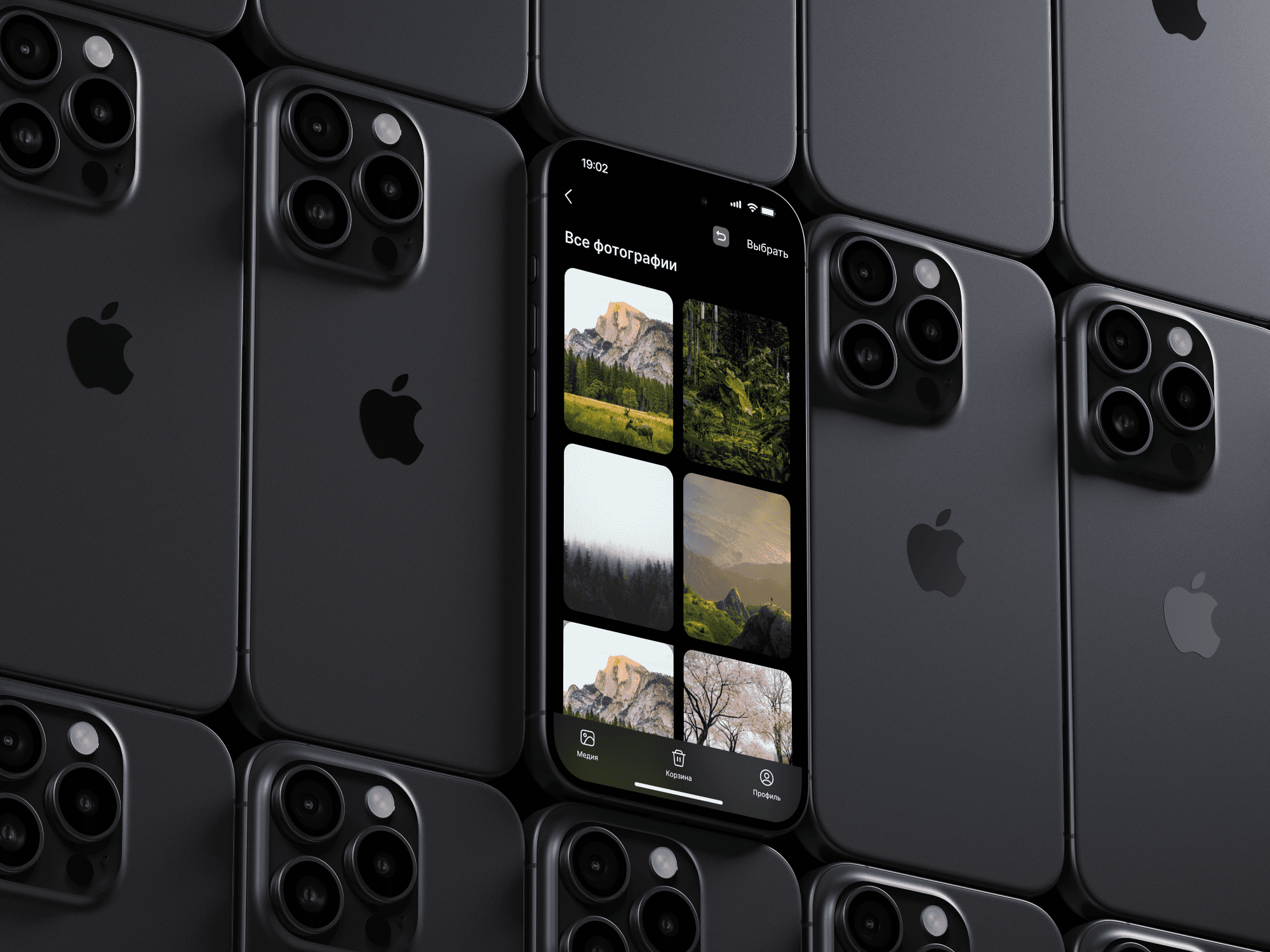
WirFrames for mobile
All screens and components
Chapter 2 - Design
Персональное
Портфолио
Персональное
Портфолио
Chapter 3 - Admin Panel
Chapter 3 - Admin Panel
Chapter 3 - Admin Panel
Chapter 3 - Admin Panel
Comment
Comment
Comment
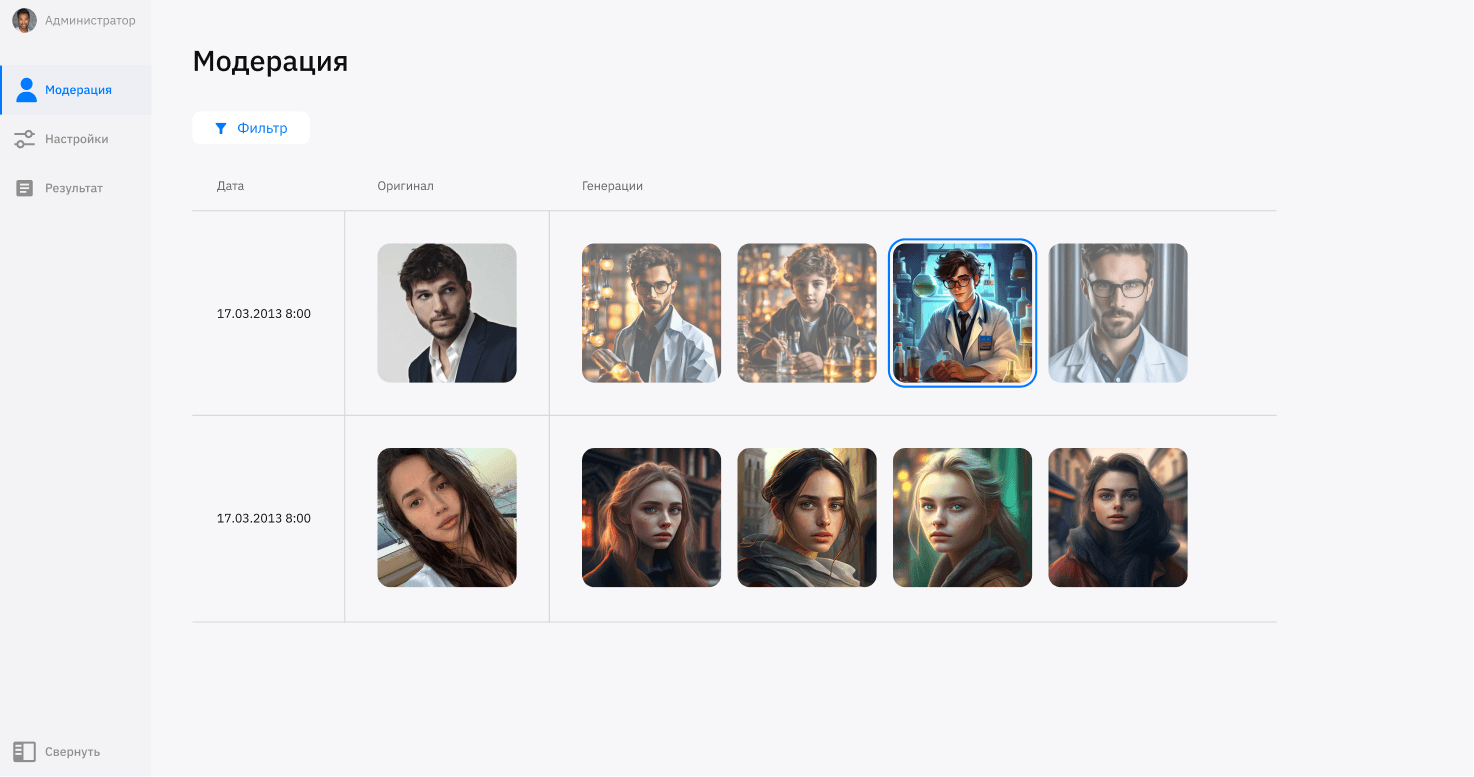
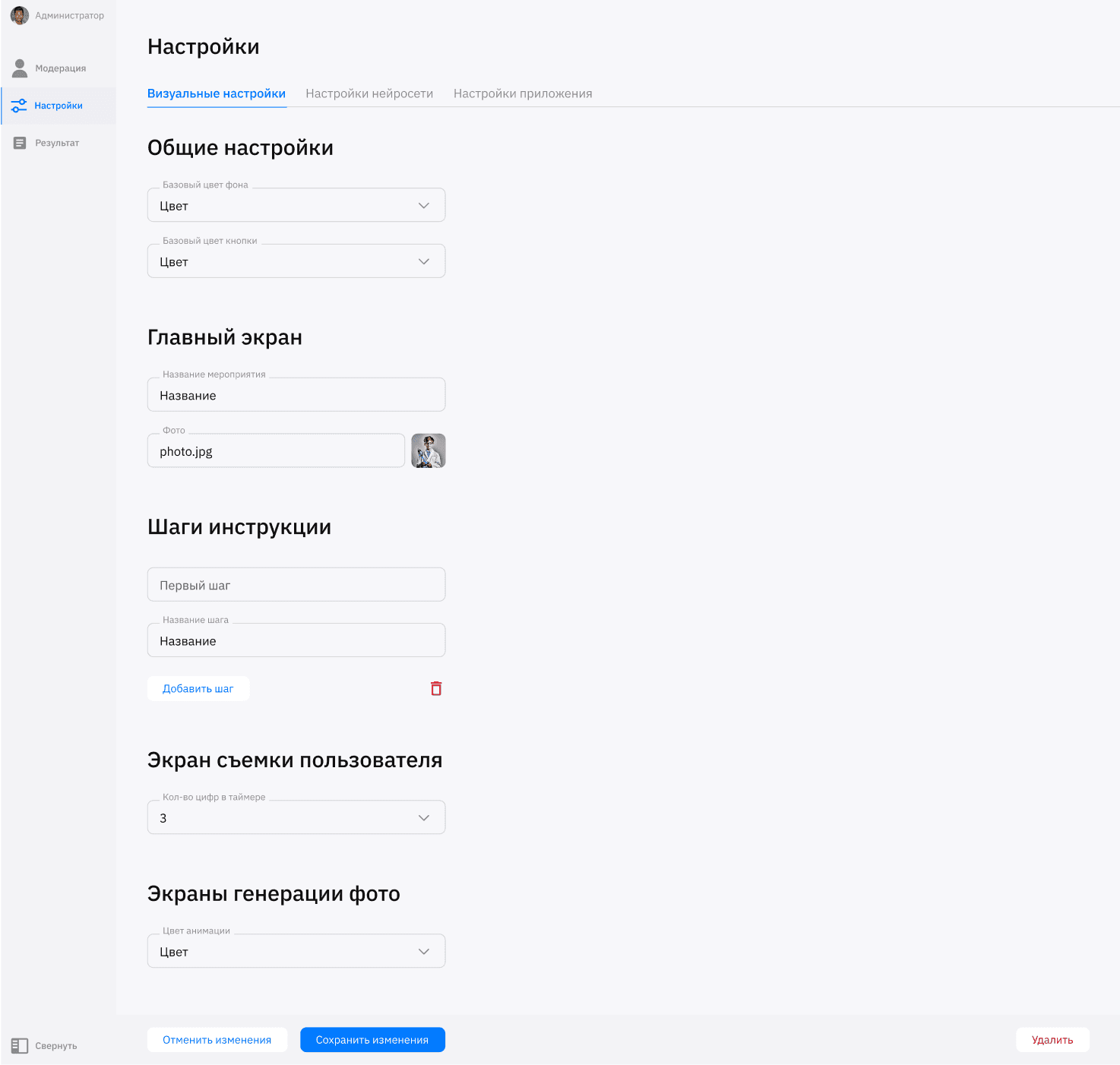
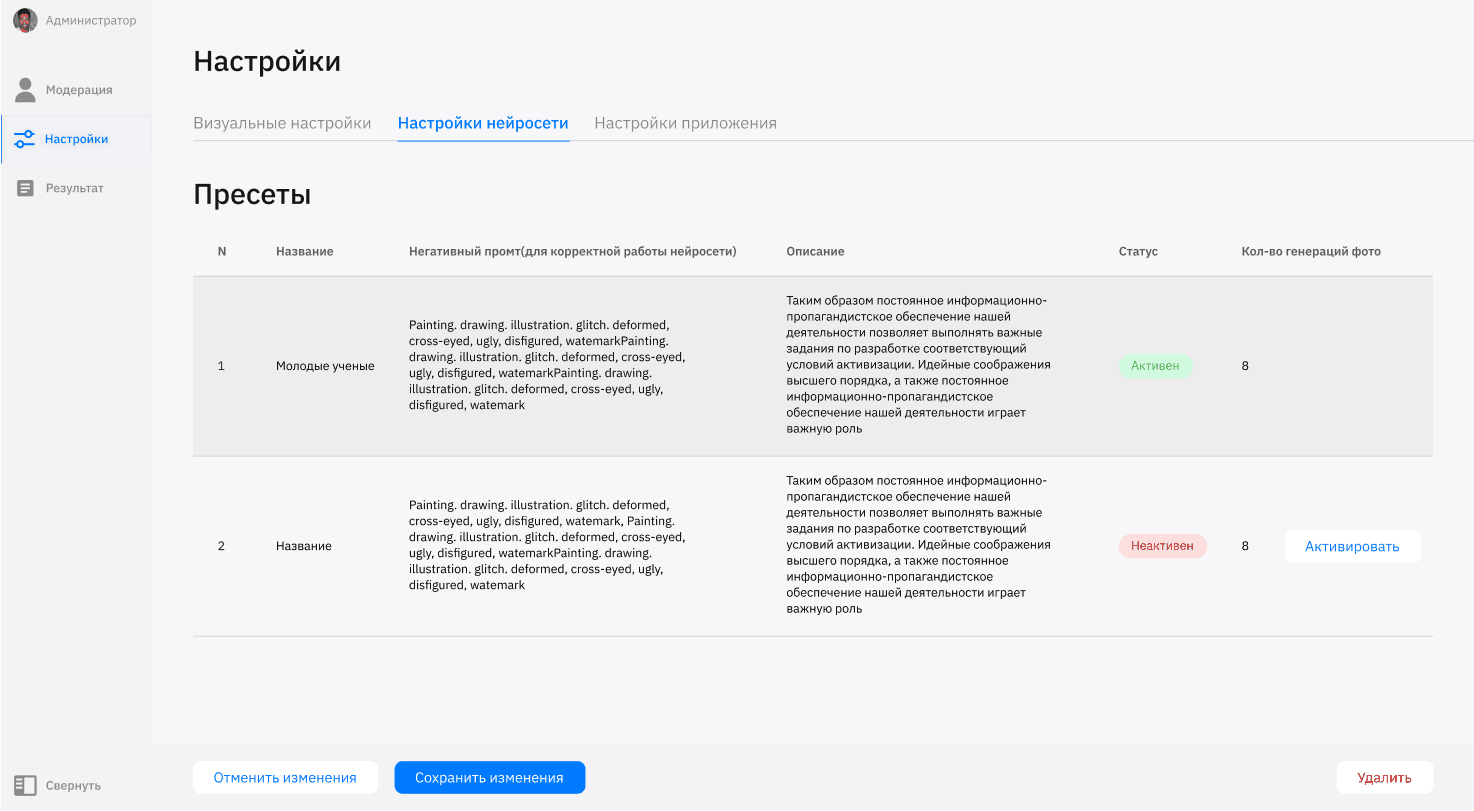
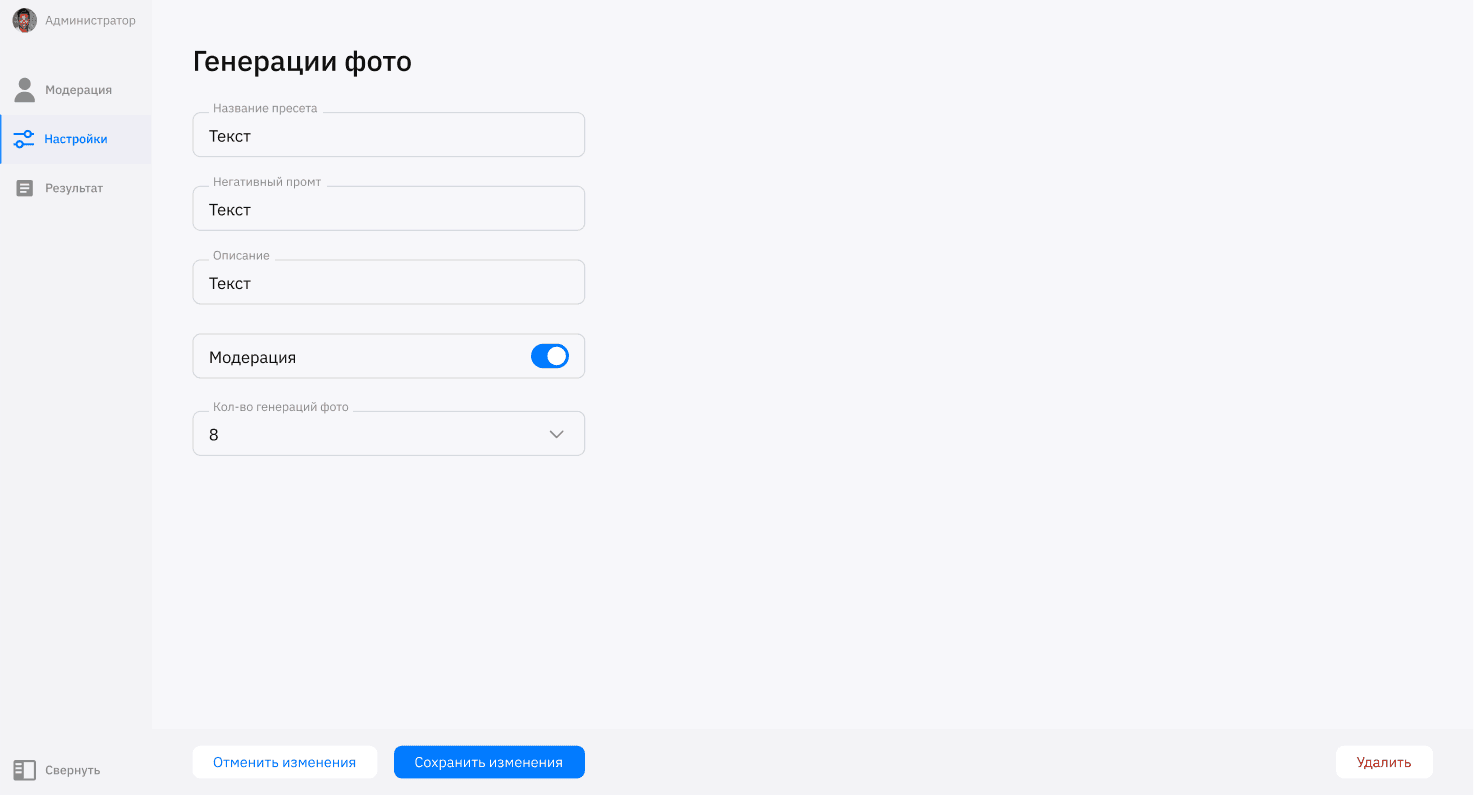
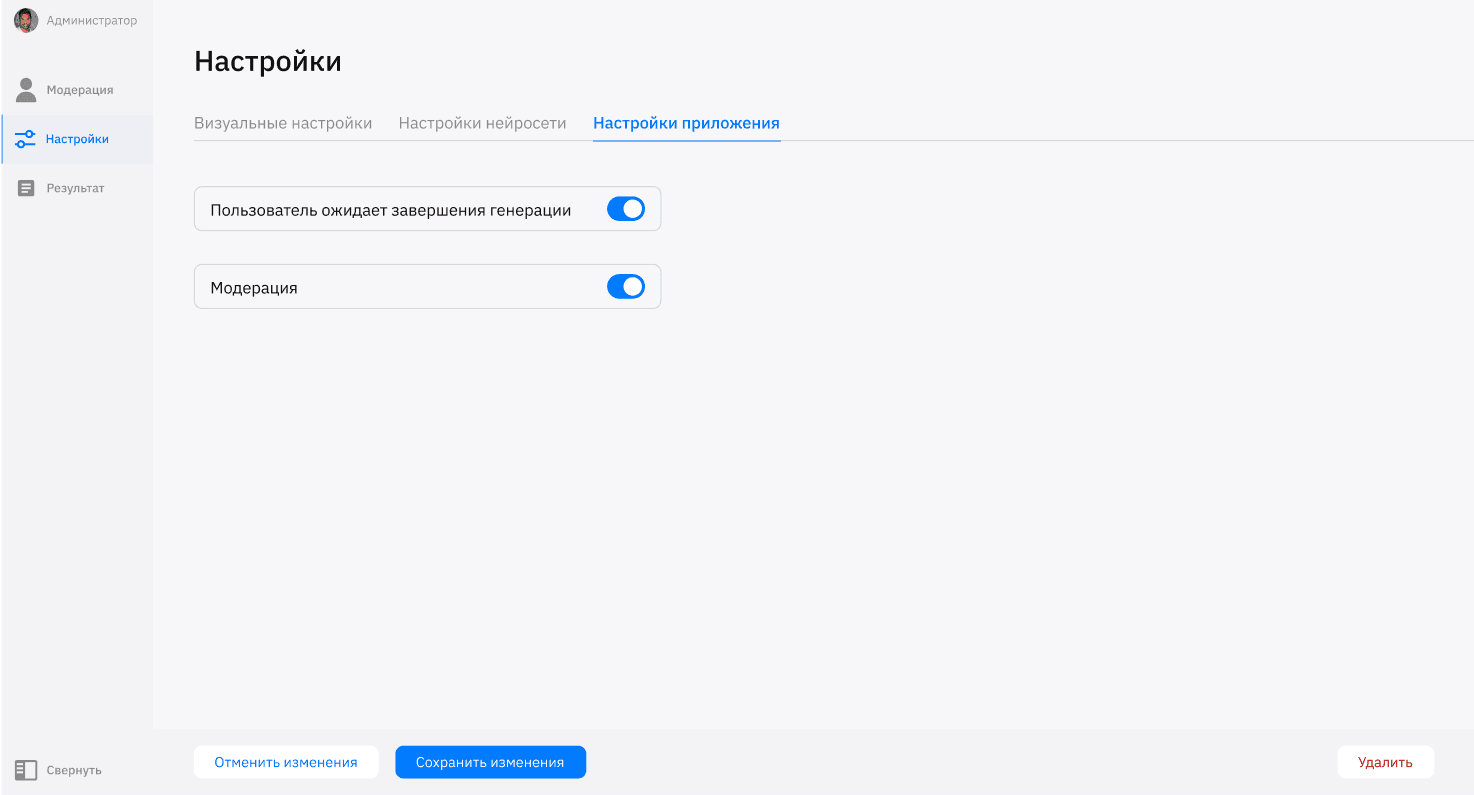
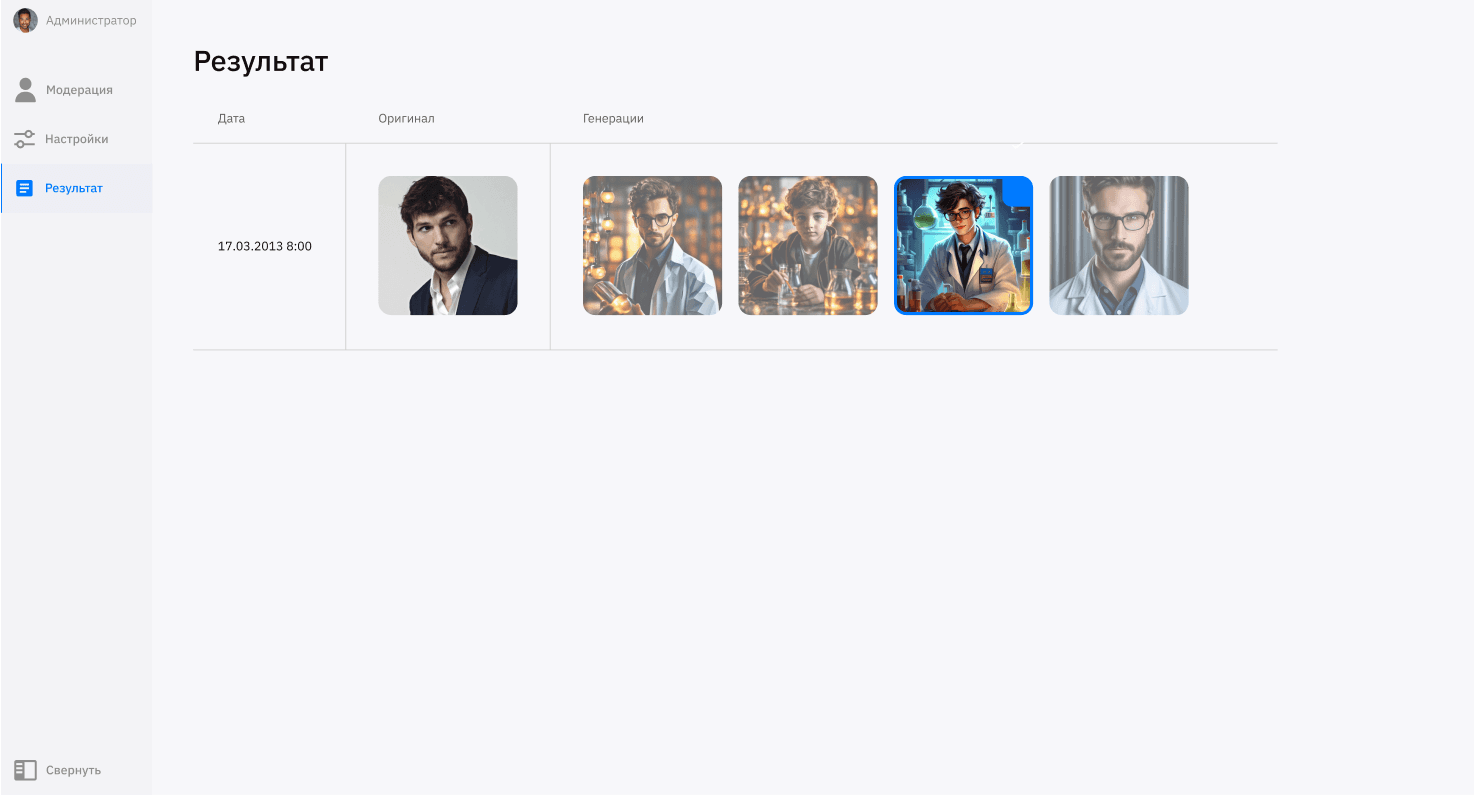
For this project, it was also necessary to develop an administrative panel for configuring the neural network and for the administrator to view the generated photographs.
For this project, it was also necessary to develop an administrative panel for configuring the neural network and for the administrator to view the generated photographs.
For this project, it was also necessary to develop an administrative panel for configuring the neural network and for the administrator to view the generated photographs.
WirFrames for mobile
WirFrames for mobile
Main Screen
Gender selection
Instruction
Snapshot
Confirm
Loading
Choosing a photo
Downloading
All mobile screens
Design of the mobile application and terminal for the forum of young scientists
About the project
This project was presented at the forum "Young Scientists" to demonstrate the capabilities of neural networks in generating photographs
Task
Create an application for generating photos using a neural network for terminals and mobile devices.
Chapter 1 - UserFlow and Wireframes
User scenario
The user taps on the terminal screen, selects their gender, goes through the instructions, and takes a photo. Then the photo uploads, the user scans the QR code, and downloads the photo.
Main Screen
Gender selection
Instruction
Camera
Do we need to retake the photo?
No
Yes
Loading generation
Result
WirFrames for terminal
WirFrames for phone
Chapter 2 - Design
Colors
Fonts
FFFFFF
007AFF
FBFAFA
000000
Inter
Font
Size
40 px
32 px
16 px
10 px
Main Screen
Gender selection
Instruction
Snapshot
Confirm
Loading
Choosing a photo
Downloading a photo
All terminal screens
All phone screens
Chapter 3 - Admin Panel
Comment
For this project, it was also necessary to develop an administrative panel for configuring the neural network and for the administrator to view the generated photographs.
All screens and components
Персональное
Портфолио